>
New Topic
>
Reply<
Esato Forum Index
>
Sony Ericsson / Sony >
Software, Firmware and Drivers
> C905 CamDriver Modded
Bookmark topic
On 2009-09-25 04:37:29, fangdue wrote:
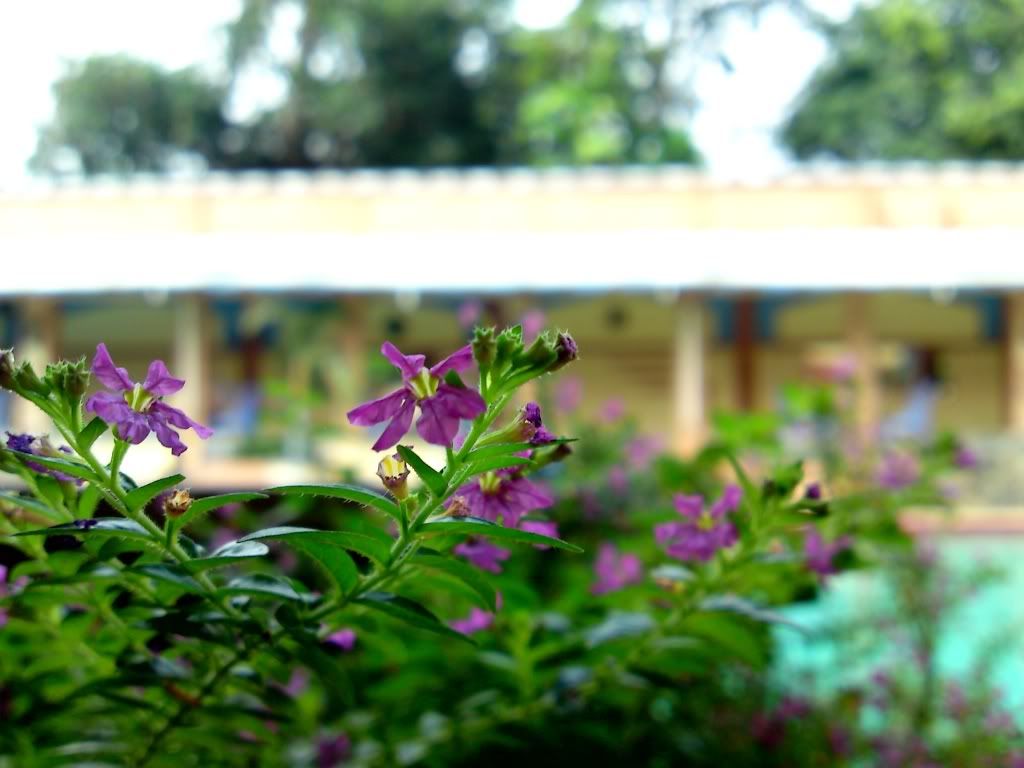
Welcome to Easto!

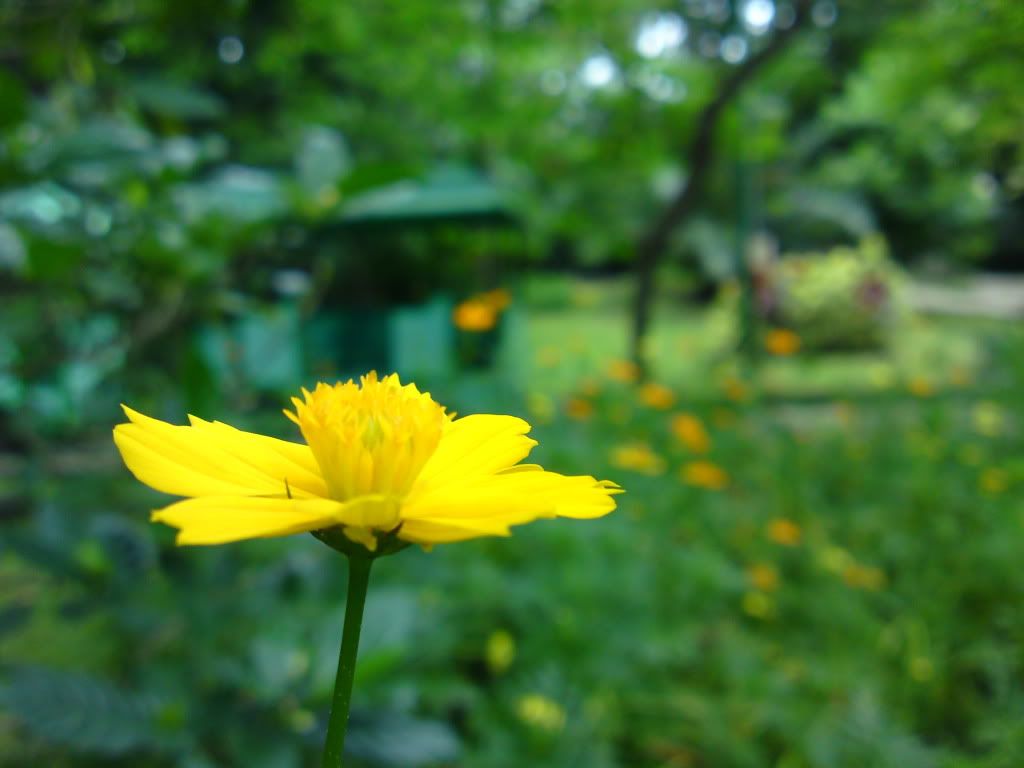
nice first shot!
--
Posted: 2009-09-25 04:41:55
Edit :
Quote
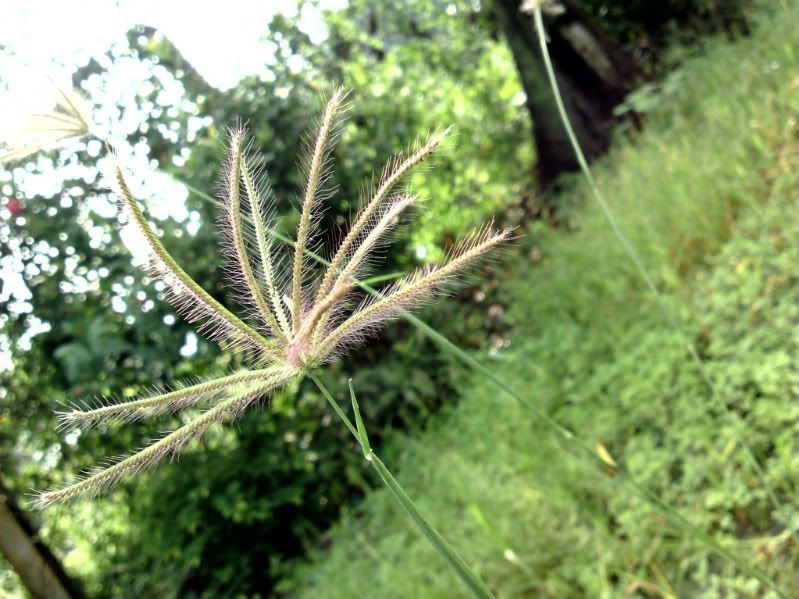
C905 from Vietnam

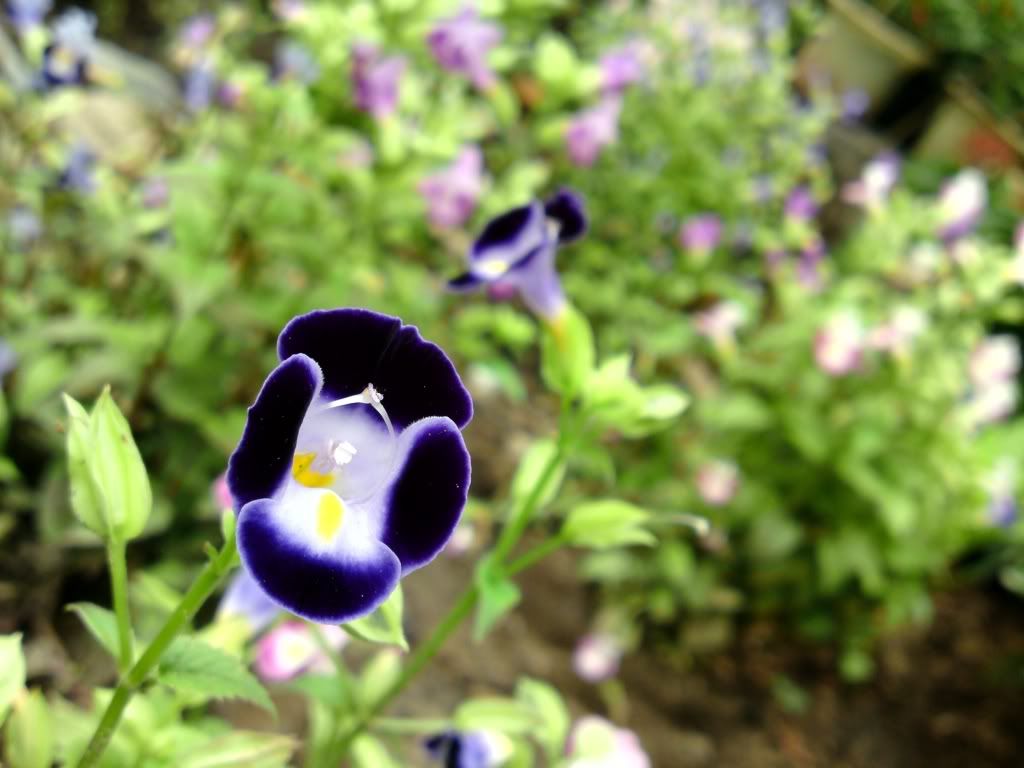
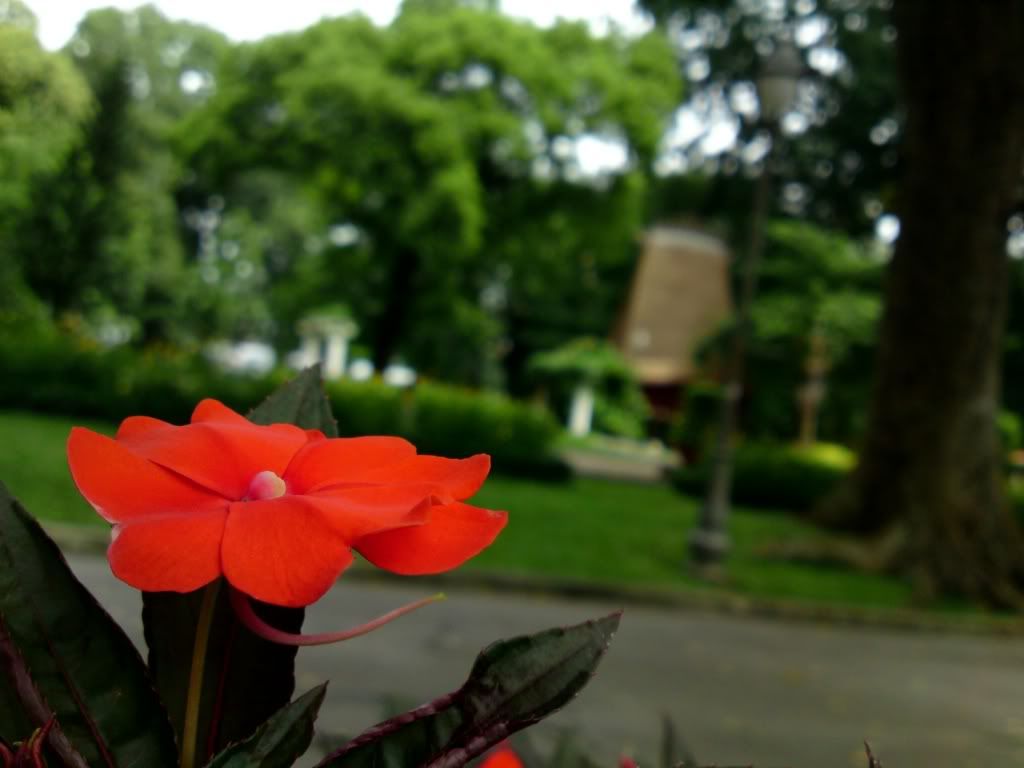
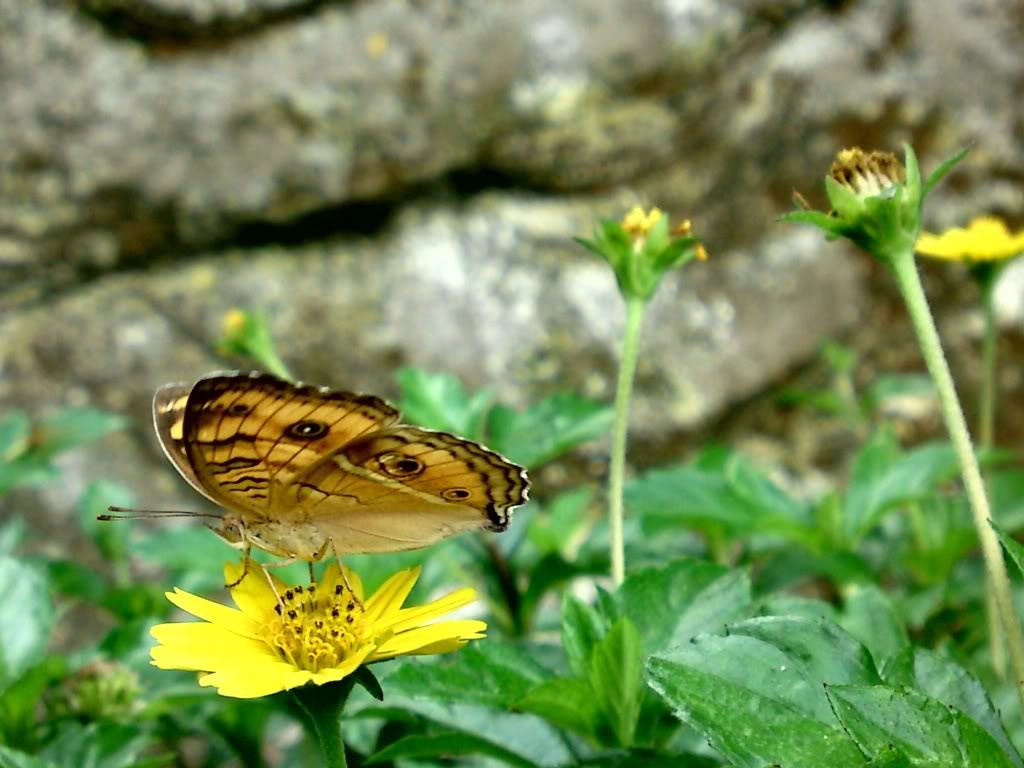

--
Posted: 2009-09-25 04:42:49
Edit :
Quote
@Bryan84: thx so much!
--
Posted: 2009-09-25 04:45:51
Edit :
Quote
a taste of my new driver, the flash shots are ready, no more yellowness corners for sure ^^ and real colors not so vivid tomorrow morning will test outdoor shots (no flash) and also portrait shots, be patient this will be so far the best driver i could ever made and also the very last one


cheers
[ This Message was edited by: eltoffer on 2009-09-25 10:16 ]
--
Posted: 2009-09-25 11:03:32
Edit :
Quote
Would anyone tell me which driver can support CIF video recording?
I am now using the cybershot experience driver and found it very good.
I want to taste the eltofer and DM driver as well but I am not familiar with their specification.
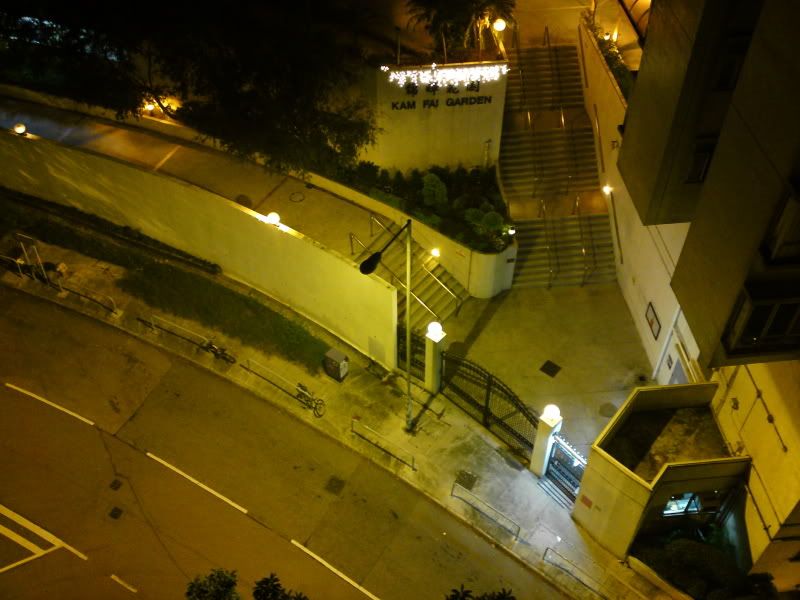
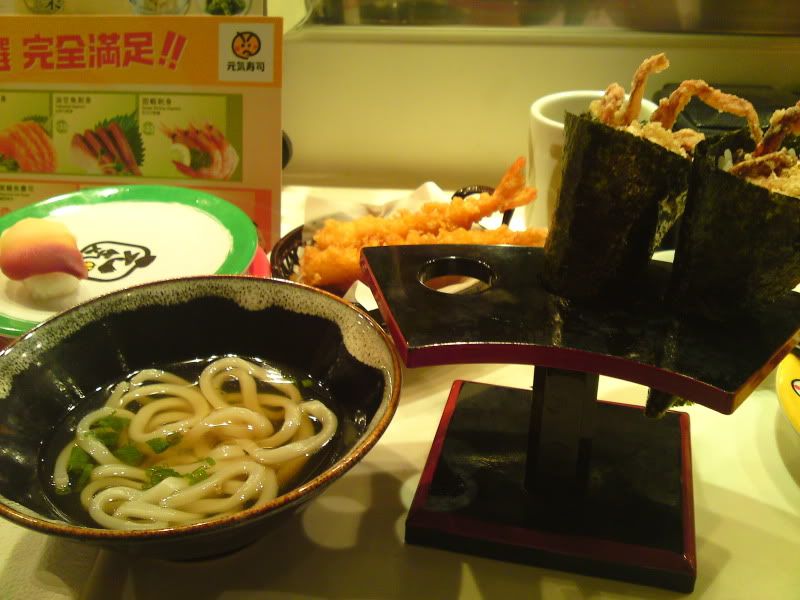
would anyone tell me >here is my some test photos

--
Posted: 2009-09-25 11:32:06
Edit :
Quote
I suggest DM that he little edit his quantization table from:
jpeg_qtable_0=
01 01 01 01 01 02 03 03
01 01 01 01 01 03 03 03
01 01 01 01 02 03 03 03
01 01 01 01 02 04 04 03
01 01 03 04 04 06 06 04
01 02 03 03 04 05 06 05
02 03 04 04 05 06 06 05
05 05 05 05 05 05 05 05;
jpeg_qtable_1=
01 01 02 04 06 11 11 11
01 01 02 04 08 11 11 11
02 02 03 04 11 11 11 11
04 04 04 05 11 11 11 11
06 08 11 11 11 11 11 11
11 11 11 11 11 11 11 11
11 11 11 11 11 11 11 11
11 11 11 11 11 11 11 11;
to:
jpeg_qtable_0=
04 01 01 01 01 02 03 03
01 01 01 01 01 03 03 03
01 01 01 01 02 03 03 03
01 01 01 01 02 04 04 03
01 01 03 04 04 06 06 04
01 02 03 03 04 05 06 05
02 03 04 04 05 06 06 05
05 05 05 05 05 05 05 05;
jpeg_qtable_1=
04 01 02 04 06 11 11 11
01 01 02 04 08 11 11 11
02 02 03 04 11 11 11 11
04 04 04 05 11 11 11 11
06 08 11 11 11 11 11 11
11 11 11 11 11 11 11 11
11 11 11 11 11 11 11 11
11 11 11 11 11 11 11 11;
The first place in the upper left corner is very important number. It represents the average, or mean value. So if the whole block is dark brown or light red on average, this place says so. I get some artiffact when using original DM driver
see example:
http://www.mediafire.com/?dgmzj5nzmzm
grass looks unnatural
I will use higher number in the first place in the upper left corner and see if results would bee better
--
Posted: 2009-09-25 16:19:13
Edit :
Quote
the question is: what for?
please explain because in my opinion these tables do nothing, however if I'm wrong I would like to see anything what can convince me that I'm wrong
--
Posted: 2009-09-25 16:34:06
Edit :
Quote
OK try this, use one photo (XY for example) and open it in adobe photoshop. Than use function save as and use quality 11 and save it as XYa. Then once again open XY photo and save as XYb with quality for example 7. Then compare photo XYa with XYb. You probably wont see any obvios difference (except file size) but you cannot say there is no difference. Adobe photoshop use for different quality settings different quantization tables, more on:
http://www.impulseadventure.com/photo/jpeg-quantization.html[ This Message was edited by: igica11 on 2009-09-25 16:14 ]
--
Posted: 2009-09-25 17:09:31
Edit :
Quote
DM 3.5
macro


--
Posted: 2009-09-25 17:23:40
Edit :
Quote
@raiderski
you are right i tested it yesterday and it does NOTHING no matter what values you use, but let them keep dreaming ^^ anyway if they think it is better, doesnt affect you at all
--
Posted: 2009-09-25 17:28:21
Edit :
Quote
New Topic
Reply
