>
New Topic
>
Reply<
Esato Forum Index
>
Sony Ericsson / Sony >
Software, Firmware and Drivers
> C905 CamDriver Modded
Bookmark topic
On 2009-09-30 10:28:42, fangdue wrote:
On 2009-09-30 10:11:29, anouk82 wrote:
On 2009-09-30 09:57:21, fangdue wrote:
@ DarkMagician and Eltoffer:
Hi all, My C905's FW is: R1EA033 prg1205-9079_GENERIC_SI R1EA033
on 09:19 Sep 22, when DarkMagician updated ver 3.5,i moded to my fone and using this ver until now ,
everything's ok, but today
i've a problem, cam setting auto all, 8MPx, when i take a photo, my fone produces a picture with very large size (~4MB), so can't edit in PhotoDJ.i moded my cam again, and the same result
so that, i use the cam driver of elToffer (3.8 ), this problem is no longer, size of pictures is normal (~2MB), and can be edited in PhotoDJ.
so, what's problem in my fone, and how can i fix this?.Thx all
and this is the picture
[ This Message was edited by: fangdue on 2009-09-30 09:04 ]
it's no promlem mate...read before installing a new driver!DM's driver is able to get bigger file size images for INCREASED detail.that's all.And yes some of them can't be opened with photo dj....so what?
all of pics when i set 8MPx is cant open in photoDJ, i'd tried many times
I just answer....it;s becouse of the big filesize.Detail vs photo dj,which do you prefer?
--
Posted: 2009-09-30 10:32:11
Edit :
Quote
On 2009-09-30 10:28:42, fangdue wrote:
On 2009-09-30 10:11:29, anouk82 wrote:
On 2009-09-30 09:57:21, fangdue wrote:
@ DarkMagician and Eltoffer:
Hi all, My C905's FW is: R1EA033 prg1205-9079_GENERIC_SI R1EA033
on 09:19 Sep 22, when DarkMagician updated ver 3.5,i moded to my fone and using this ver until now ,
everything's ok, but today
i've a problem, cam setting auto all, 8MPx, when i take a photo, my fone produces a picture with very large size (~4MB), so can't edit in PhotoDJ.i moded my cam again, and the same result
so that, i use the cam driver of elToffer (3.8 ), this problem is no longer, size of pictures is normal (~2MB), and can be edited in PhotoDJ.
so, what's problem in my fone, and how can i fix this?.Thx all
and this is the picture
[ This Message was edited by: fangdue on 2009-09-30 09:04 ]
it's no promlem mate...read before installing a new driver!DM's driver is able to get bigger file size images for INCREASED detail.that's all.And yes some of them can't be opened with photo dj....so what?
all of pics when i set 8MPx is cant open in photoDJ, i'd tried many times
Photoshop them then

--
Posted: 2009-09-30 10:41:52
Edit :
Quote
Do you find that picture look like it was taken with slow shutter speed?-I mean you probably see that grass seem blurred-but in some small parts it looks very sharp. But shutter speed was 1/250 and it shouldnt bee blurried. The strange thing is that --often when i use very qualillity quantization table (numbers close to 1) very fine details seem often blureed. I was wondering why this happens, especially because I expect if encoder dont have enough bits to encode fine details (because I rise quality of quantization table) picture should look like more blocked(like in divx).
But today i have found that some jpg endoders use JPG2000 COMPRESSION. Read more on:
http://en.wikipedia.org/wiki/JPEG_2000
And because I have never seen any blocking artifact on c905 --only blurring artifacts(see example of picture up) I am now sure that C905 use JPG2000 COMPRESSION. And conclusion of this story is -that i have noticed more blurred fine details with very qualillity quantization matric before I know for this artifact and that this artifact is in conected with jpg encoder. For me that is no coincidence and I canot say for me that it was placebo effect because I didnt expect this sort of artifact and I thought i had shaky hands(which is for hig shutter speed almost imposible).
problem described by you have nothing to do with jpeg compression. you unnecessarily looking for the problem in compression, where it isn't. this kind of blur cannot be artefact of compression. even if it's JPEG2000 it doesn't change anything. compression in SE phones is very good, whole algorithm is just great and works fine. look, you have vertiginous 97% quality and 4.5MB file but you're still dissatisfied. moreover, with 90% quality and 2.5MB you won't find any significant differences on pictures then why do you need very high quality for pictures which are demolished in postprocessing: smoothing (noise remove) and then sharpening? that's the real problem
OK C905 use variable quantization but this table in camdrive is tellin then upper limit. And if you delete q.table there is no limits for coeficients.
no it's not. you can delete them and nothing will happen, you can set values for very big compression and nothing will happen. these tables do nothing
Second question:
Supposing C905 use JPG2000 COMPRESSION. In Wikipedia is written that the main advantage offered by JPEG2000 is the significant flexibility of the codestream and it is clear from one study (
http://www.geocities.com/ee00224/btp2.html ) that JPEG2000 works better only when the image is highly compressed.
Is in this part of camdrive flexibility of the JPG2000 COMPRESSION defined?
F0 0A // JPEG_MAX_CODE_SIZE = 2800d
08 07 // JPEG_MIN_CODE_SIZE = 1800d
98 08 // JPEG_TARGET_CODE_SIZE = 2200d
no, it's not. I wrote that many times before but you don't want to listen. once again, SE phones uses variable compression. this method can compute the best quality for desired file size (above parameters). it doesn't matter whether it is JPEG or JPEG2000
--
Posted: 2009-09-30 10:44:42
Edit :
Quote
@ fangdue
bigger size for me is good news! meaning the picture quality is better
--
Posted: 2009-09-30 12:38:28
Edit :
Quote
DM 3.5 but just 5MPx >.blooming...
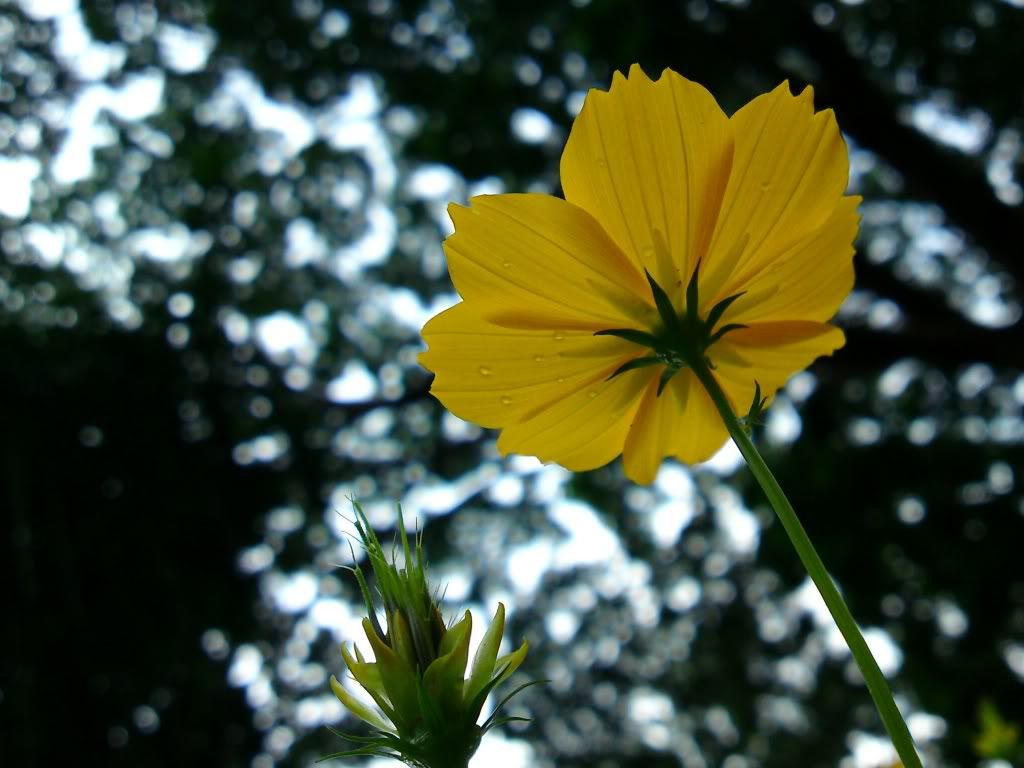
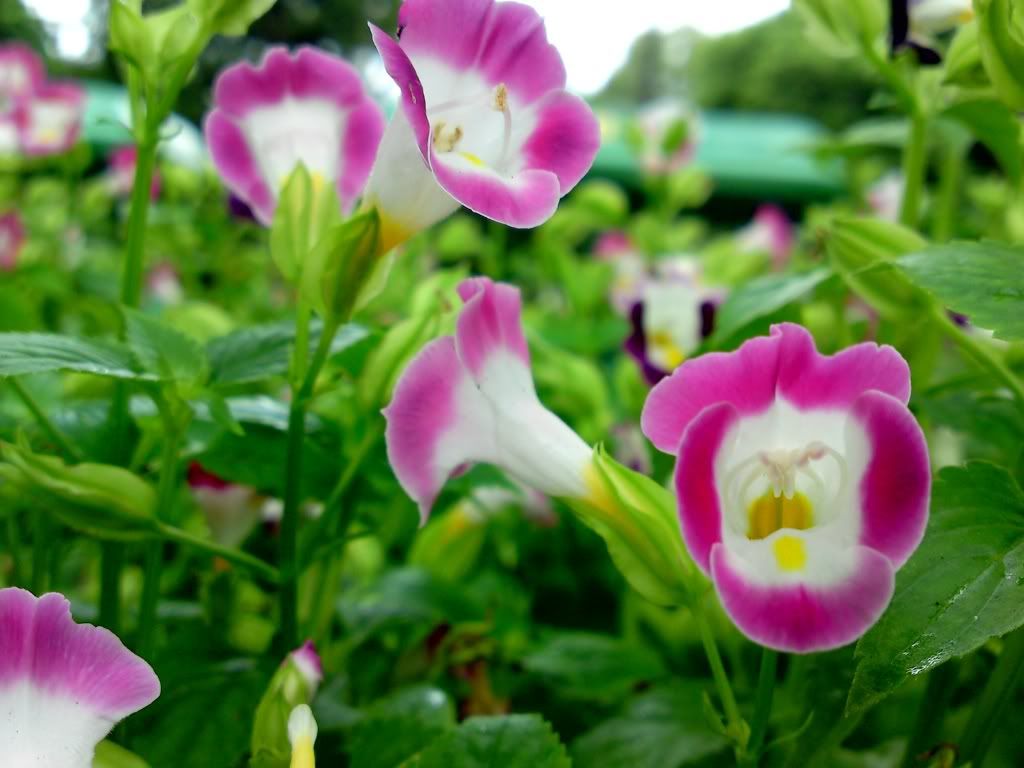
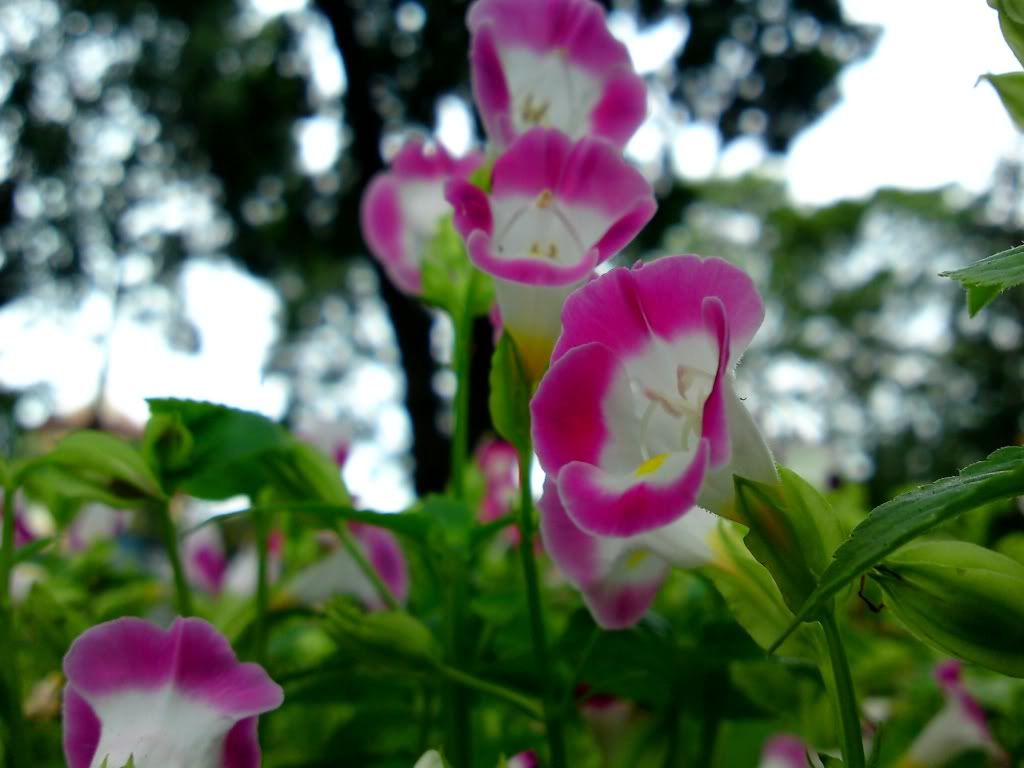
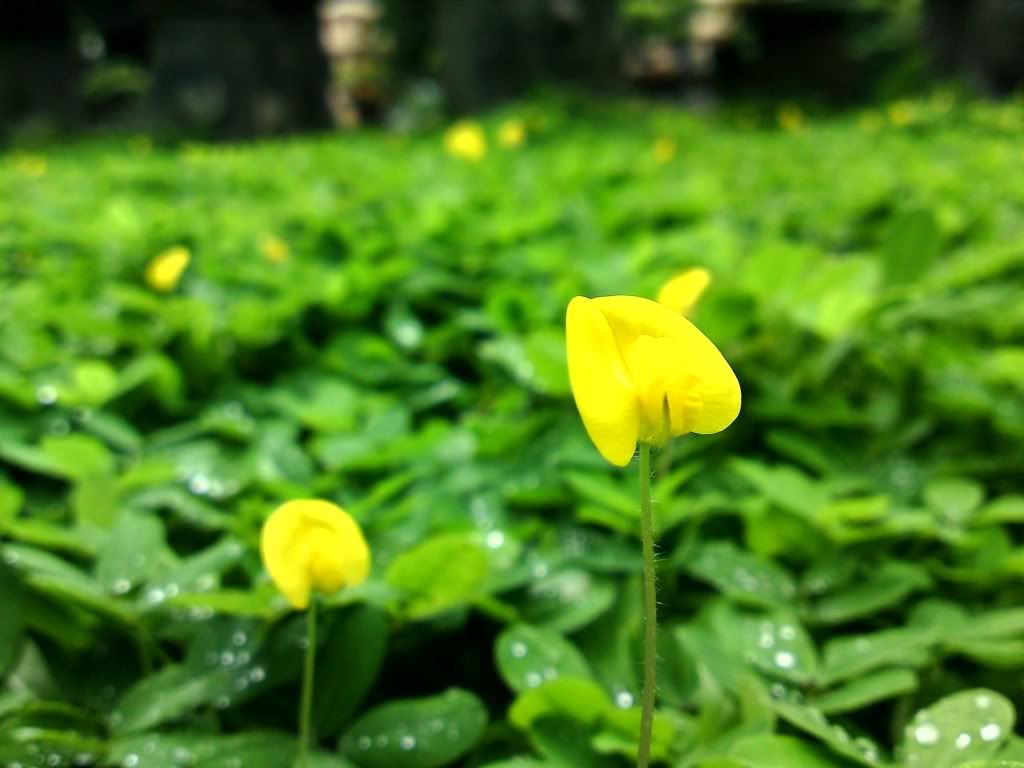
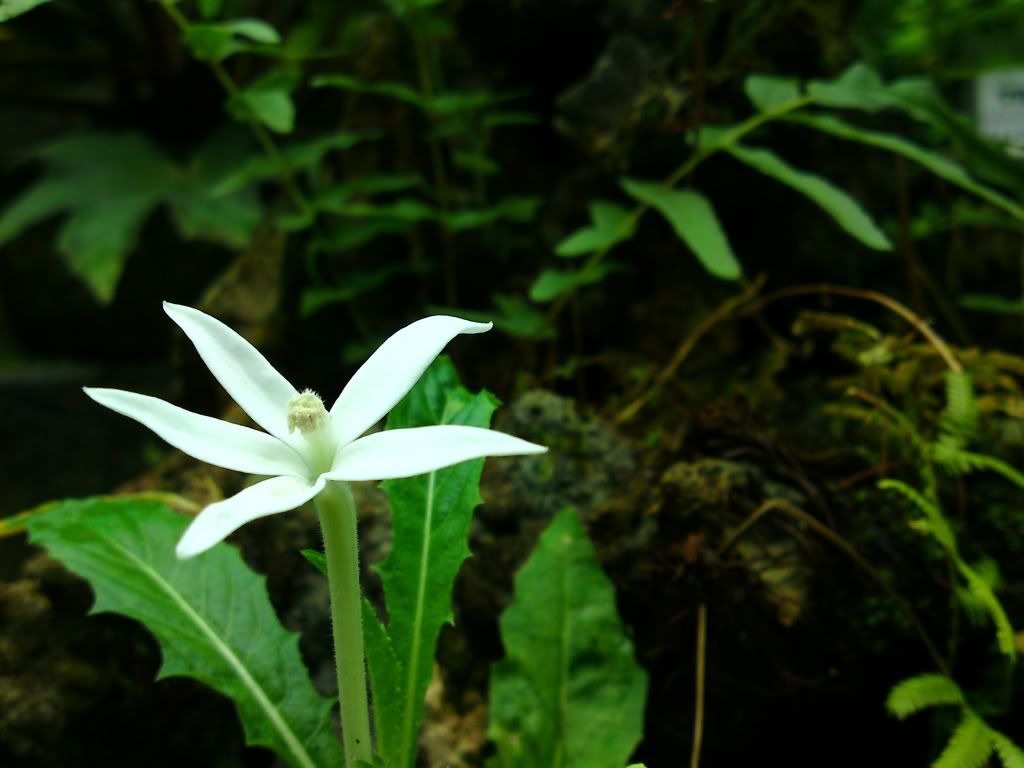
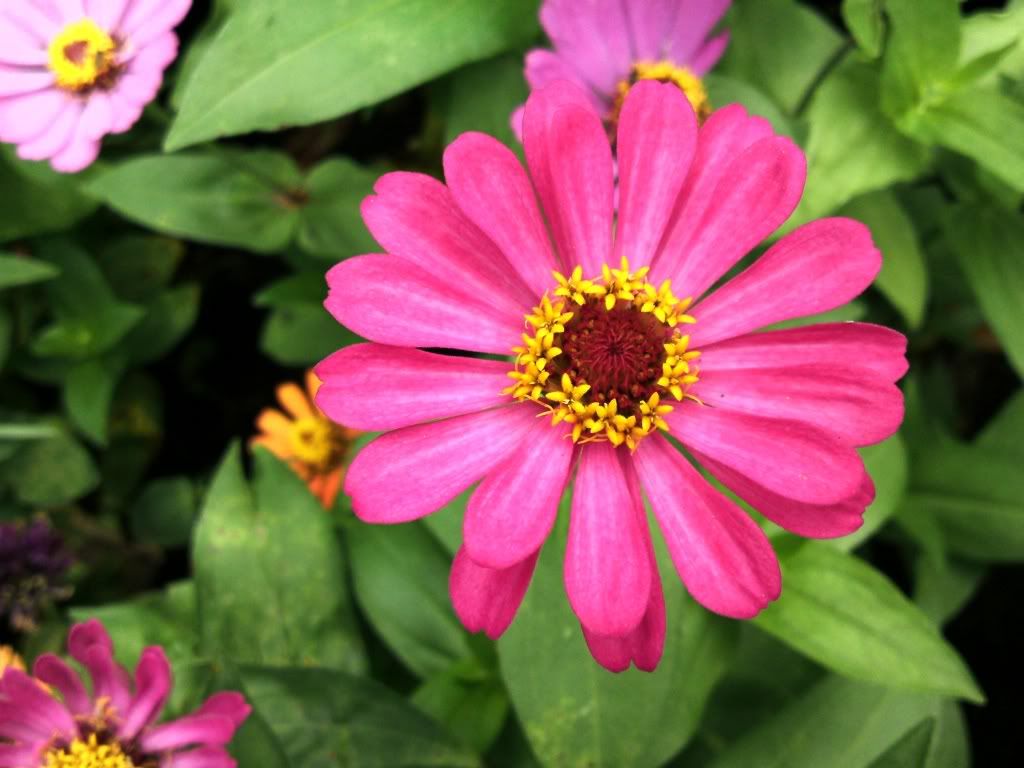
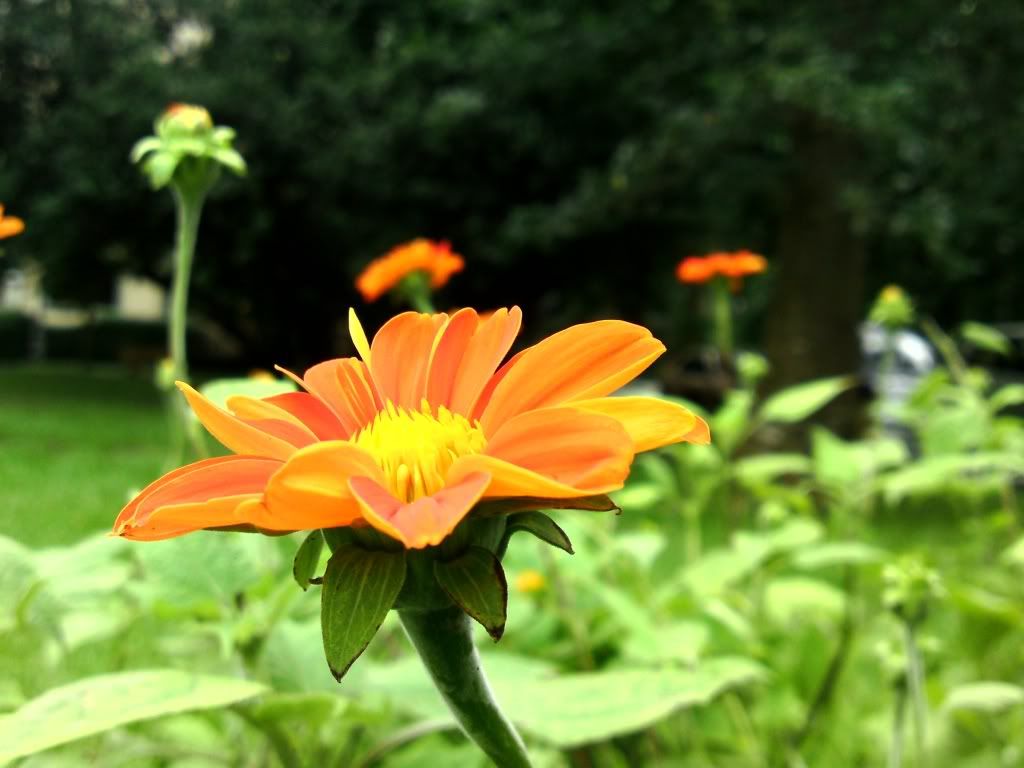
--
Posted: 2009-09-30 16:06:08
Edit :
Quote
DM 3.5


--
Posted: 2009-09-30 16:52:06
Edit :
Quote
DM 3.5 landscape mode

Auto mode with Colour correction

--
Posted: 2009-09-30 17:54:00
Edit :
Quote
can someone please tell me what
color correction is????
--
Posted: 2009-09-30 18:08:05
Edit :
Quote
On 2009-09-30 18:08:05, jake20 wrote:
can someone please tell me what color correction is????
Yes. In DM 3.5 Effects = ISO and in White Balance function under Auto setting there is Daylight setting. DM changed it to colour correction. It gives U better colours, more natural.
--
Posted: 2009-09-30 18:17:17
Edit :
Quote
ElToffer landscape mode

Auto mode ISO 200

Macro mode ISO 200


Macro mode with flash


Portrait mode without flash

Auto mode without flash

Auto mode with flash

Night portrait red eye reduction

Besides it if I tried to take landscape picture in auto with flash the only thing on photo was white screen. Don't know why.
--
Posted: 2009-09-30 18:36:41
Edit :
Quote
New Topic
Reply



