>
New Topic
>
Reply<
Esato Forum Index
>
Sony Ericsson / Sony >
Software, Firmware and Drivers
> C905 CamDriver Modded
Bookmark topic
On 2009-10-25 08:42:55, tanjiajun_34 wrote:
actually i think that there is a hidden menu to set the iso. run photo mate. select image settings (i think u need to dl...) go to see about white balence. see the image, there is a icon for iso. if we can unlock it, more things can be reserve for effects menu.
@tanjiajun_34
where is this hidden menu? i do not understand your instructions on how to find it.
thanks!
EDIT: AH, ok i found it.. you have to edit in Photo DJ, but this menu would only be for setting options AFTER you take the picture... I am not sure if that is good or not..[ This Message was edited by: jake20 on 2009-10-27 20:47 ]
--
Posted: 2009-10-27 20:37:39
Edit :
Quote
On 2009-10-27 20:37:39, jake20 wrote:
On 2009-10-25 08:42:55, tanjiajun_34 wrote:
actually i think that there is a hidden menu to set the iso. run photo mate. select image settings (i think u need to dl...) go to see about white balence. see the image, there is a icon for iso. if we can unlock it, more things can be reserve for effects menu.
@tanjiajun_34
where is this hidden menu? i do not understand your instructions on how to find it.
thanks!
EDIT: AH, ok i found it.. you have to edit in Photo DJ, but this menu would only be for setting options AFTER you take the picture... I am not sure if that is good or not..
[ This Message was edited by: jake20 on 2009-10-27 20:47 ]
Jake,
To see how the hidden ISO menu looks like, you have to run "Photo Mate" program under Organizer - applications. It is a GUI manual book for the camera. Once you open, go to image settings - select next until shows "White Balance". There is a graphical representation of the camera menu that shows ISO sub-menu in between self-shutter and metering mode. Unfortunately none able to unlock this feature yet.
--
Posted: 2009-10-28 01:53:54
Edit :
Quote
That's right

you have to use photo dj to add effects
--
Posted: 2009-10-28 02:00:35
Edit :
Quote
DM....hope that yours 3,8 will see sunlight very soon...

--
Posted: 2009-10-28 02:15:10
Edit :
Quote
On 2009-10-28 02:15:10, kronos12 wrote:
DM....hope that yours 3,8 will see sunlight very soon...
I am eagerly anticipating too!

--
Posted: 2009-10-28 08:21:18
Edit :
Quote
C905 with Cybershot Experience 4.1 cam driver
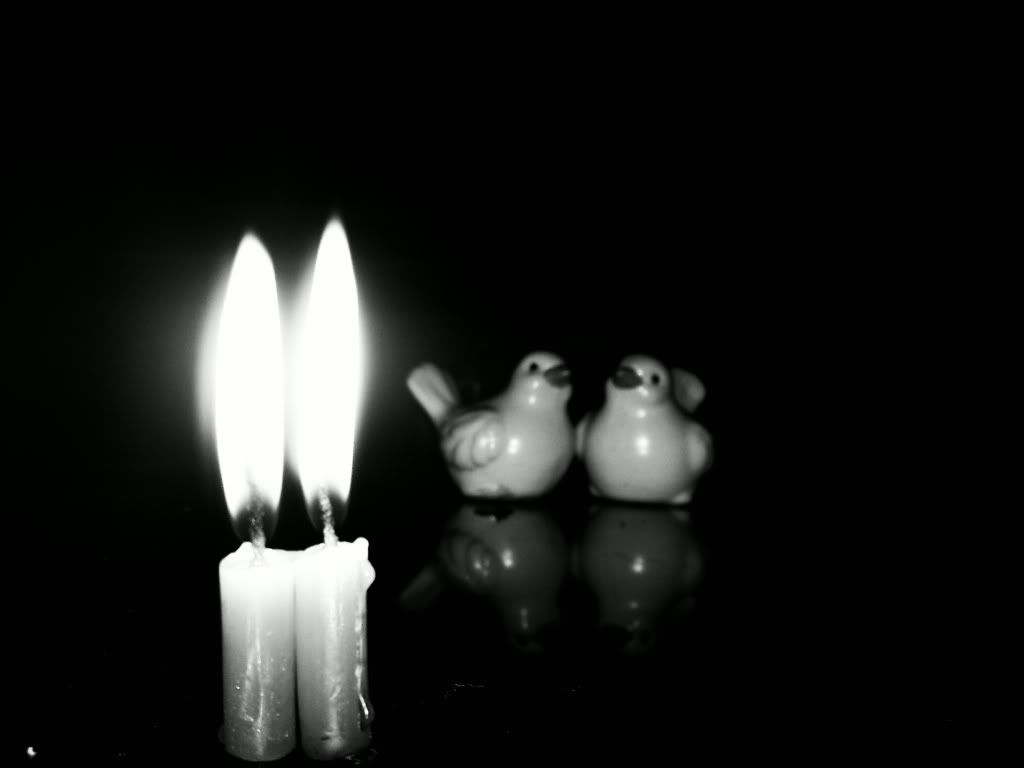
--
Posted: 2009-10-28 13:52:15
Edit :
Quote
On 2009-10-28 13:52:15, fangdue wrote:
C905 with Cybershot Experience 4.1 cam driver
real good driver.May I can't wait till the day that DM made a kind of driver like this.
--
Posted: 2009-10-28 15:24:40
Edit :
Quote
@fangdue
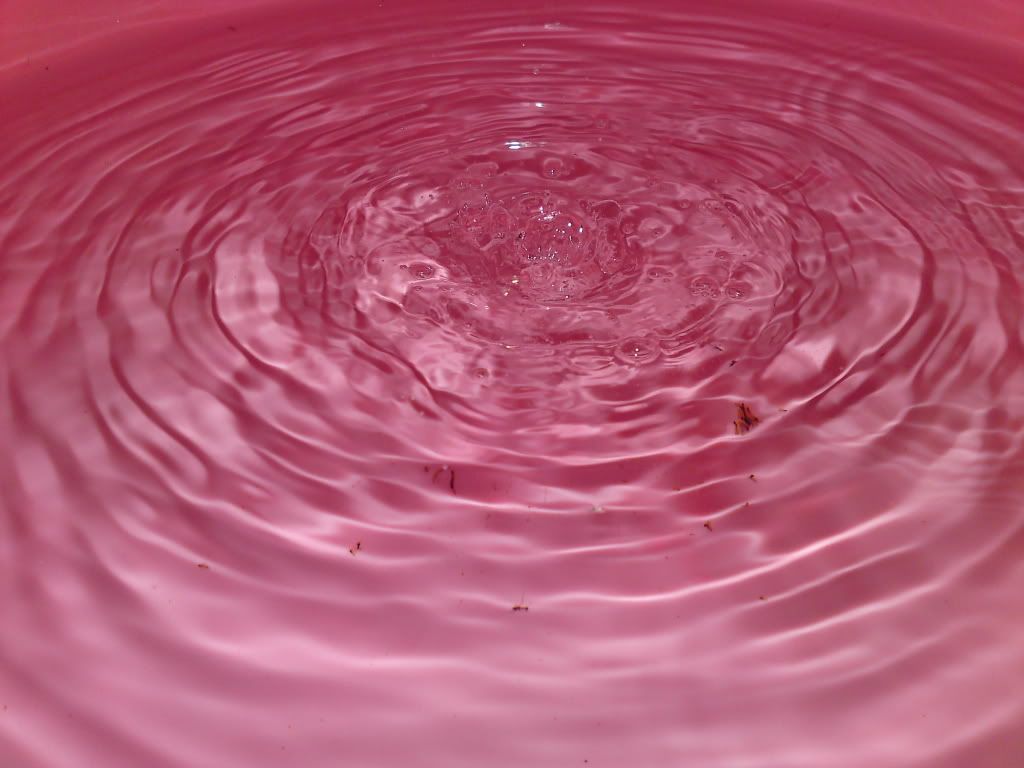
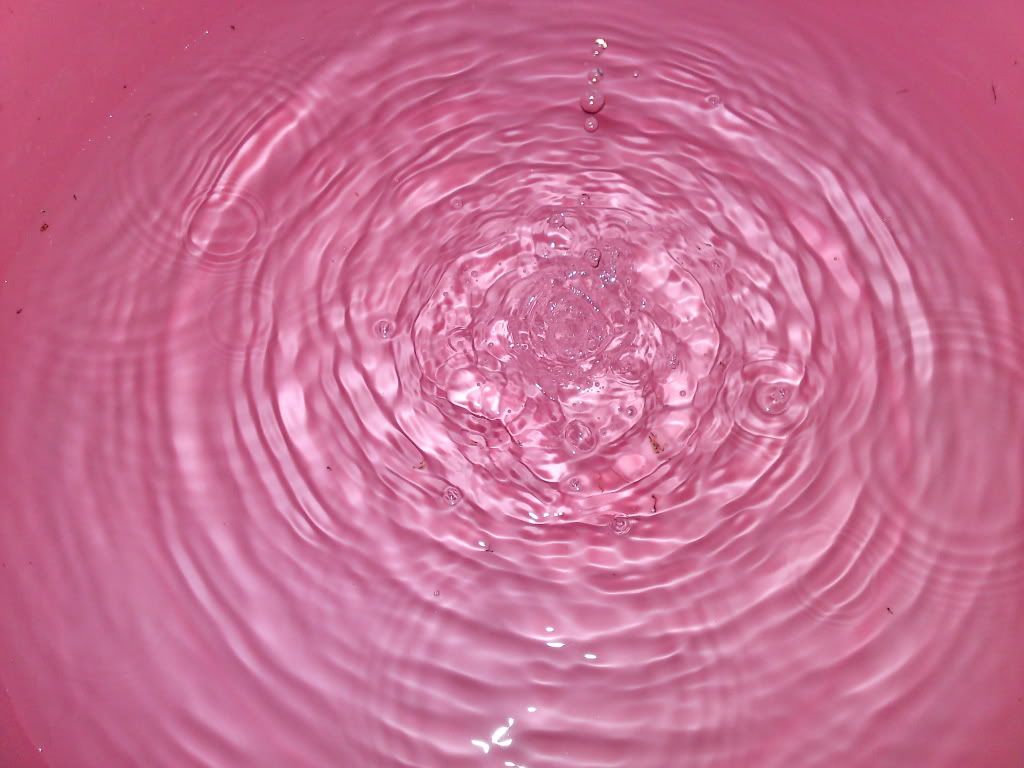
Can you take some more shots with this
Cybershot Experience 4.1 driver? Some regular pictures maybe?
I would like to see what the quality is of the images with this
Cybershot Experience 4.1 driver.
thanks
--
Posted: 2009-10-28 16:34:07
Edit :
Quote
if this Cybershot Experience 4.1 cam driver is so good, how come we aren't using it?
i am not putting it down, just curious..
--
Posted: 2009-10-28 22:17:10
Edit :
Quote
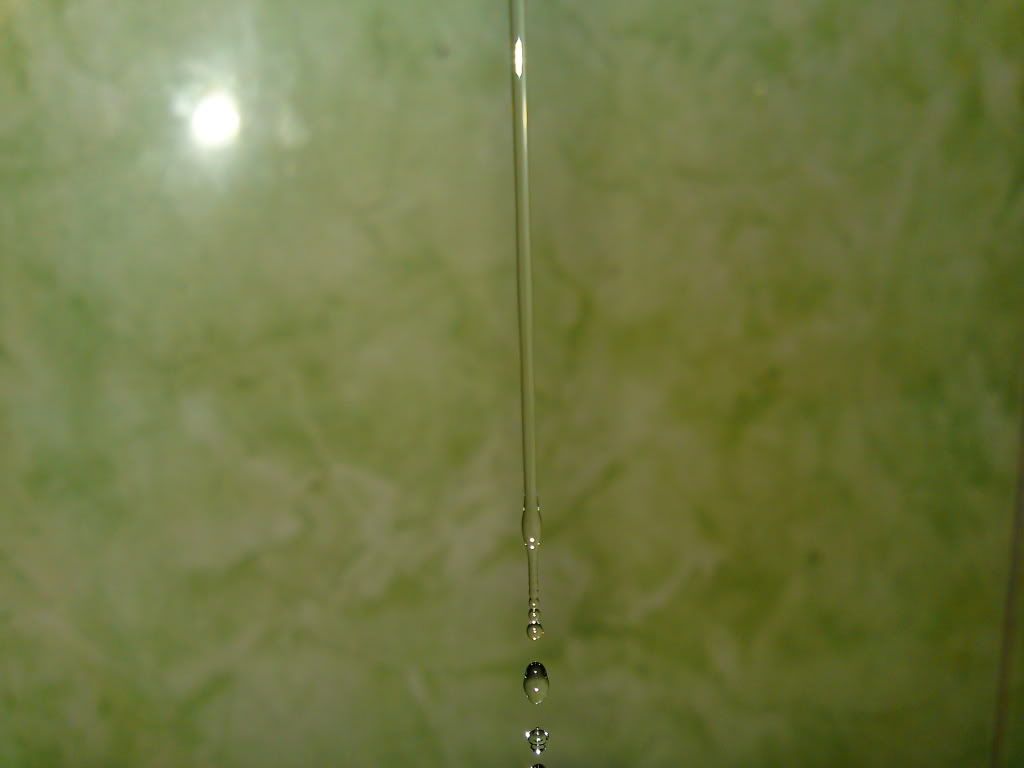
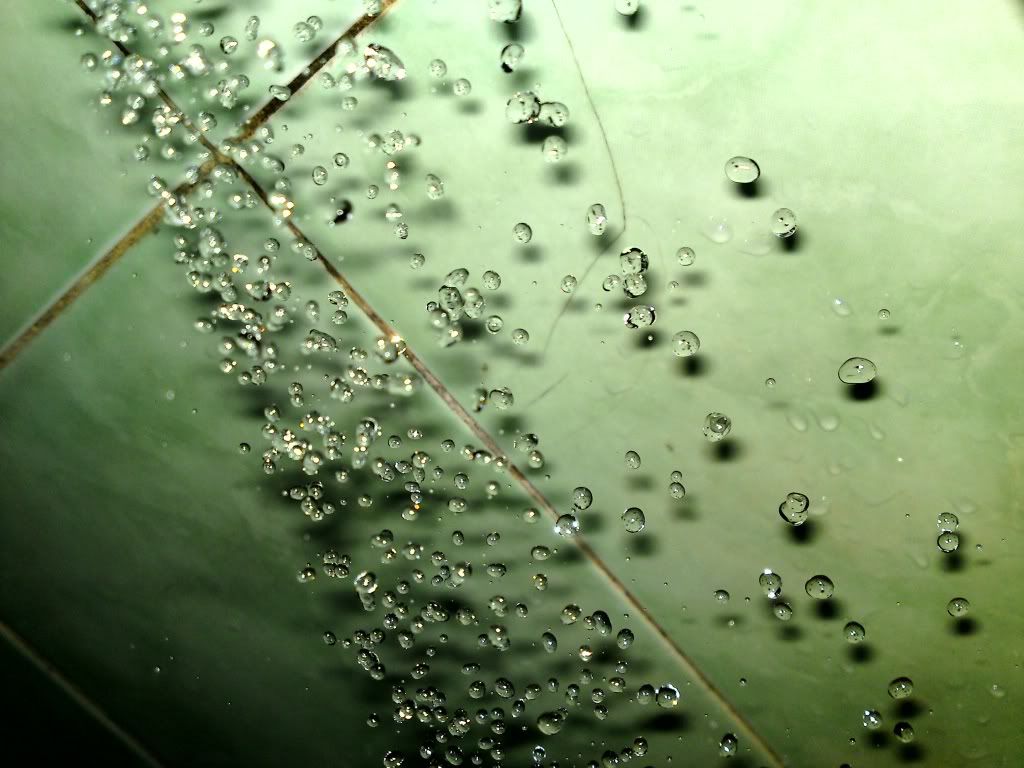
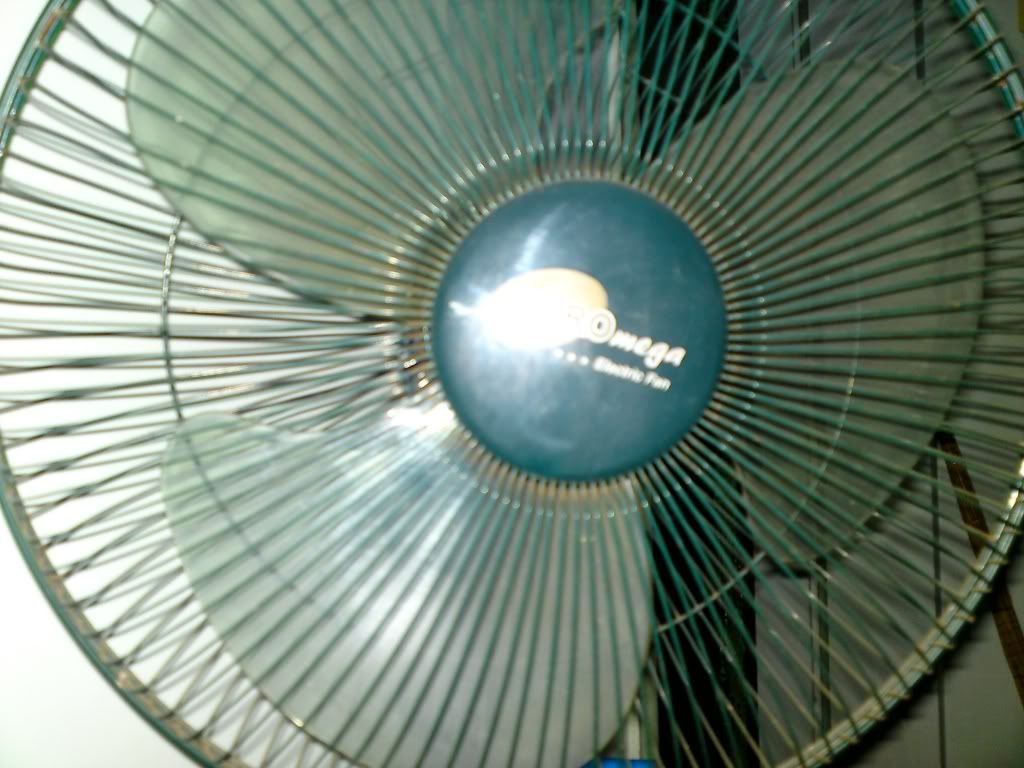
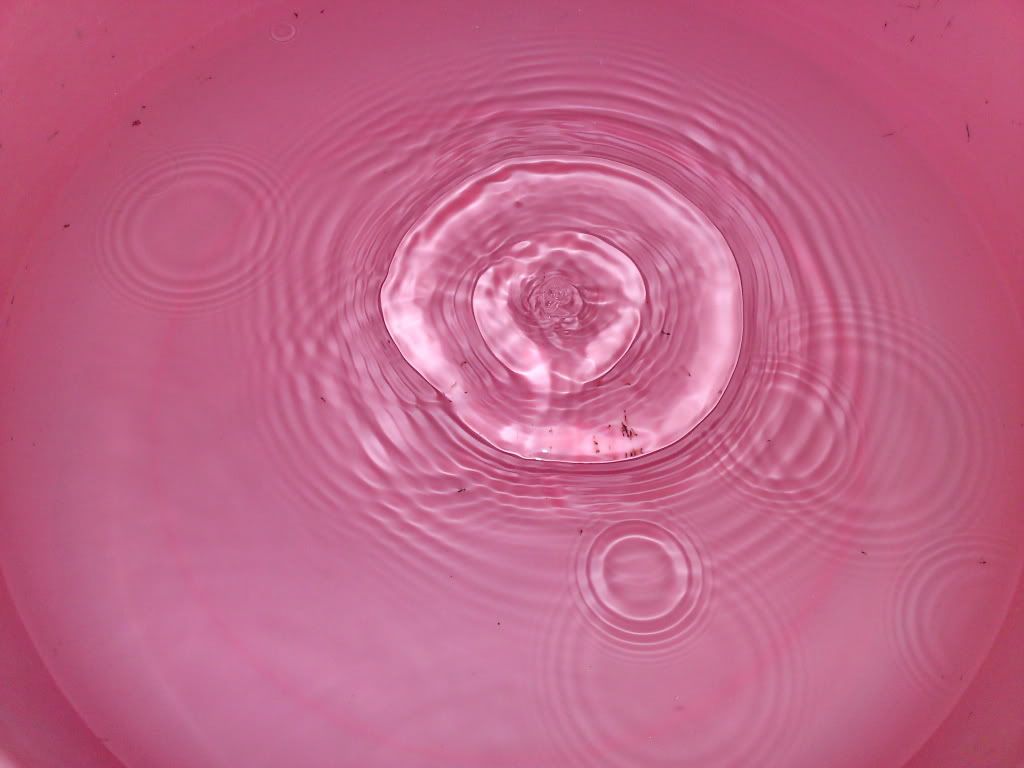
@jake20: okay, here u are, some more pics of C.S.E 4.1 cam driver
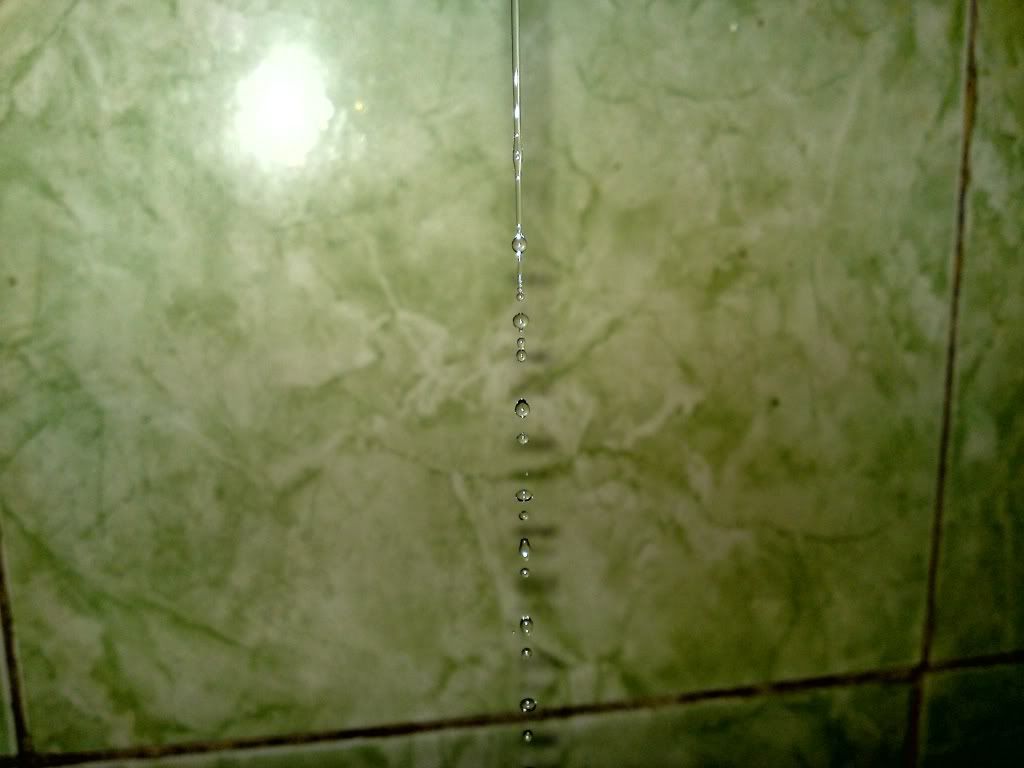
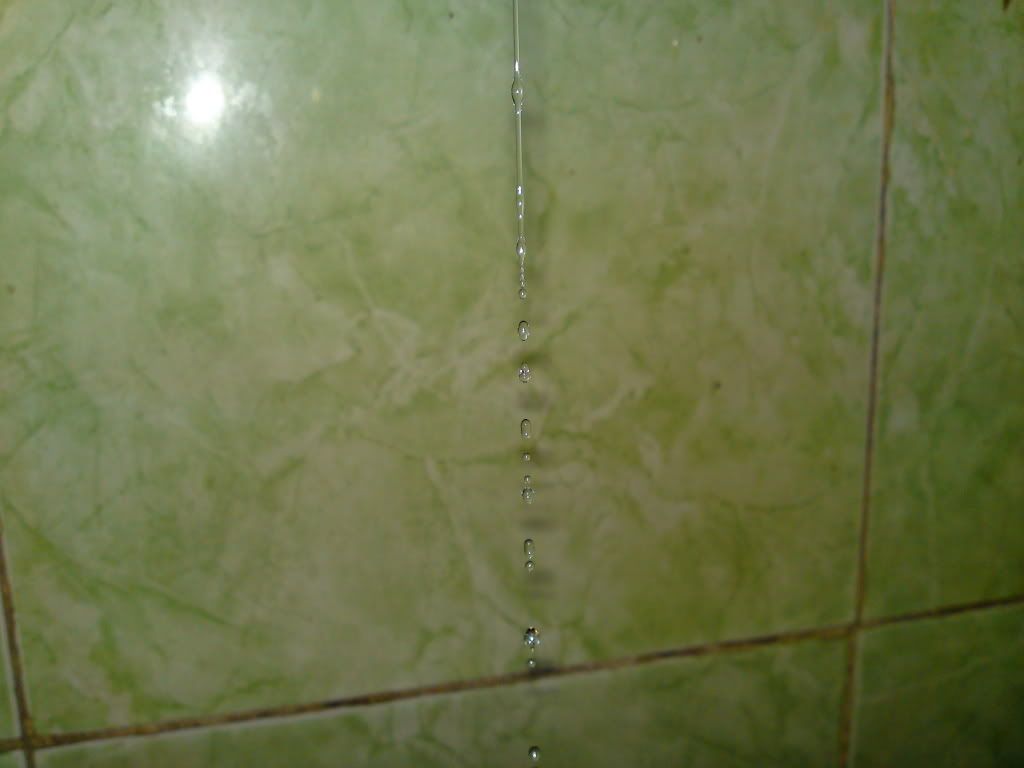
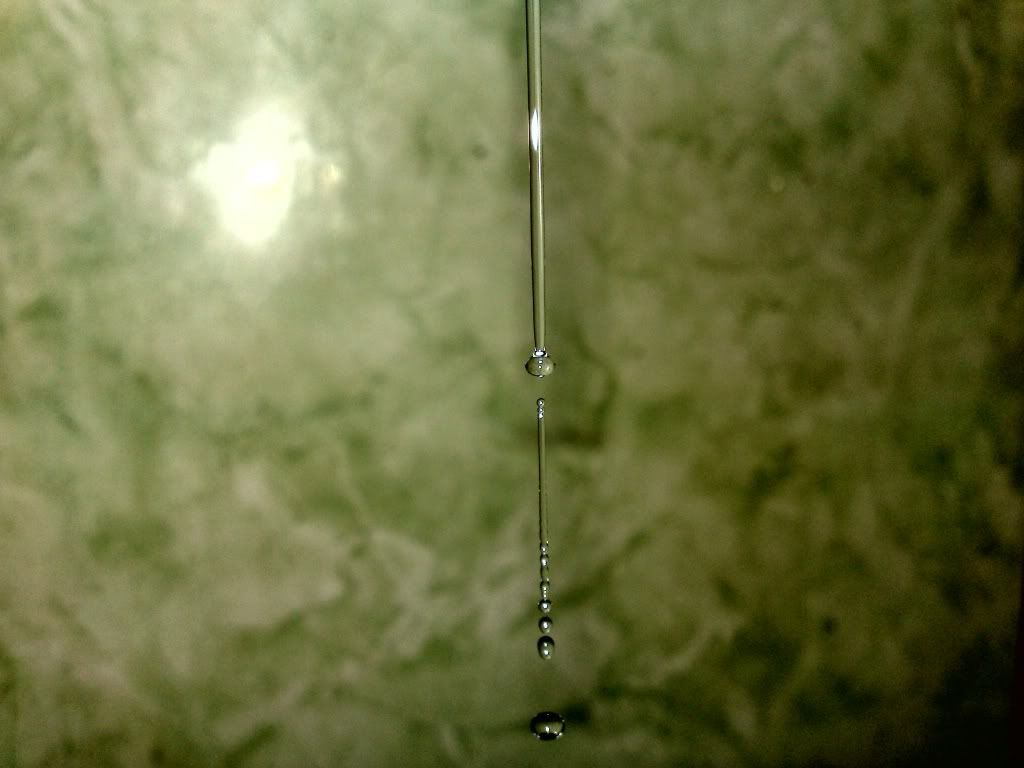
--
Posted: 2009-10-29 01:21:17
Edit :
Quote
New Topic
Reply
