>
New Topic
>
Reply<
Esato Forum Index
>
Sony Ericsson / Sony >
Software, Firmware and Drivers
> C905 CamDriver Modded
Bookmark topic
try setting your language to english not automatic
--
Posted: 2009-11-06 22:20:17
Edit :
Quote
This pictures were taken with a mixed camdriver that I set up. It has most of the good things present in DM 3.5 (like the twilight landscape mode, manual ISO and all its buffer and quality settings) but keeps some things as sharpness, colors and contrast the same as on the original driver. See if you like them. I tried to cover almost every kind of shot, from macros to landscapes, and also some night shots.
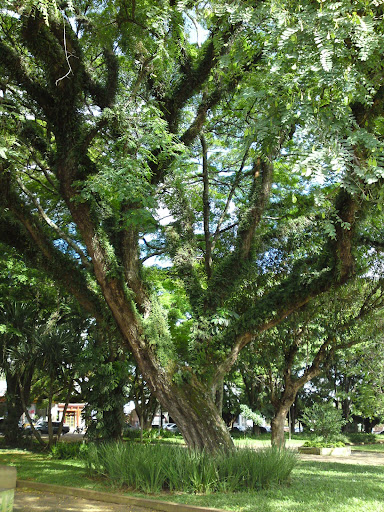
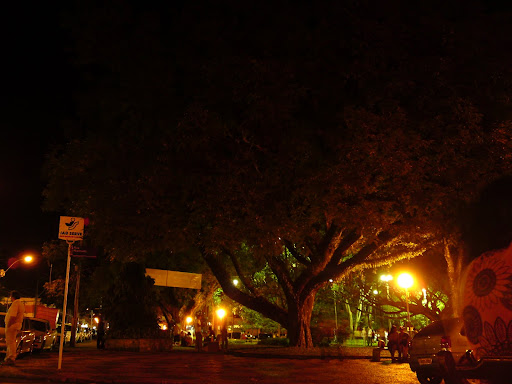
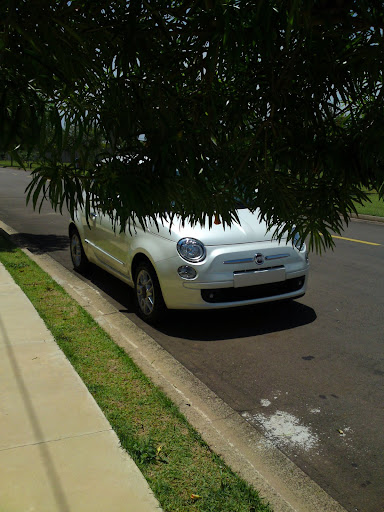
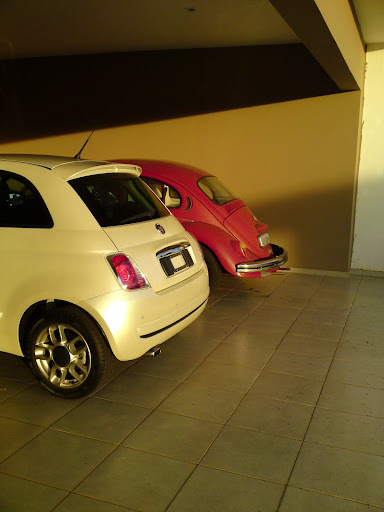
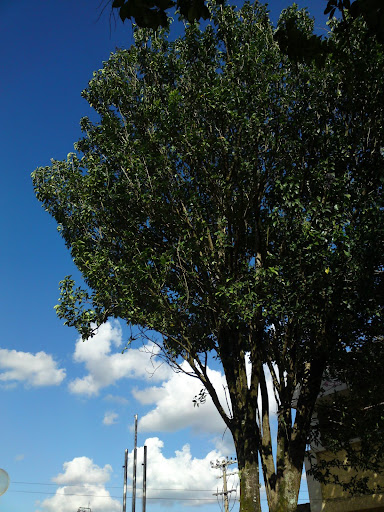
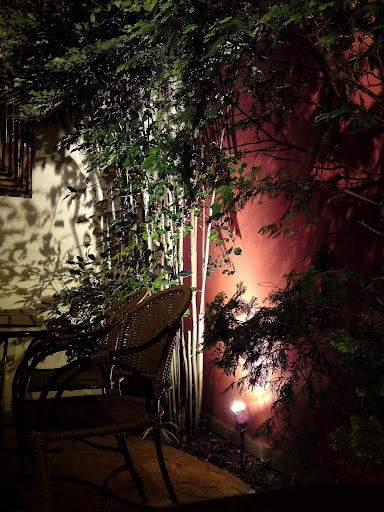
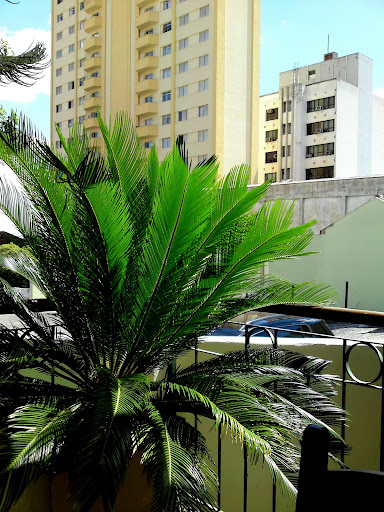
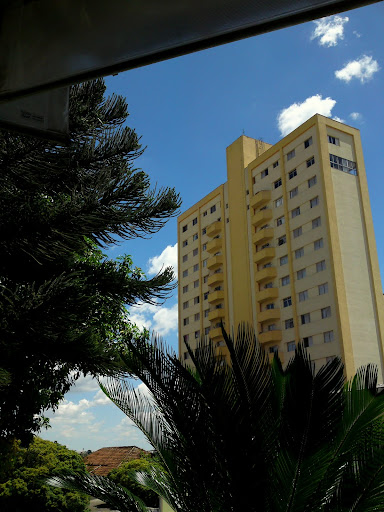
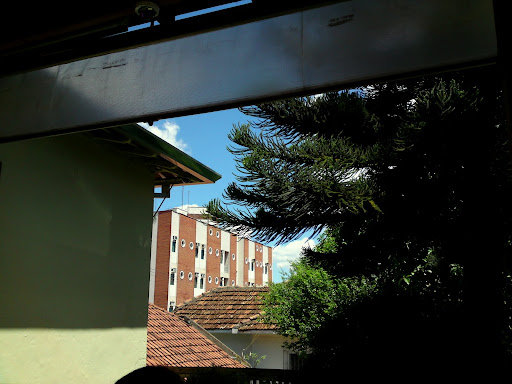
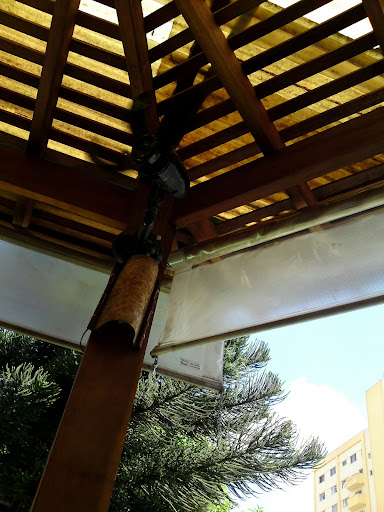
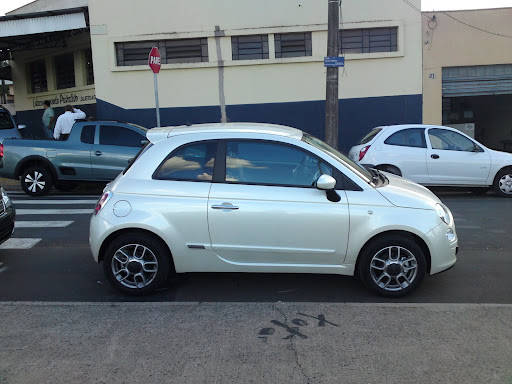
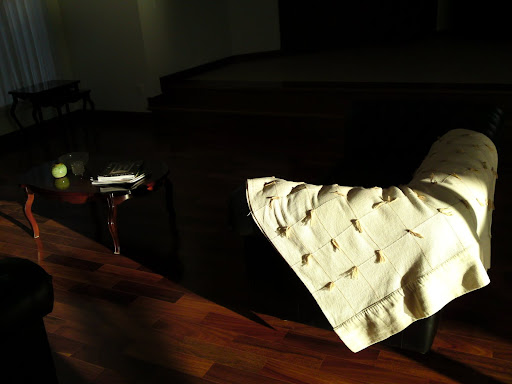
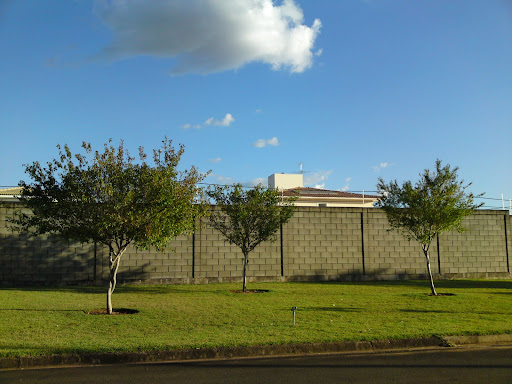
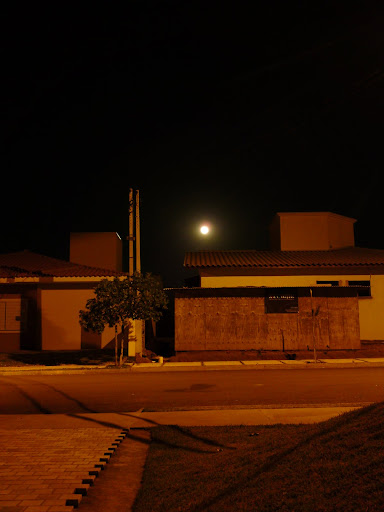
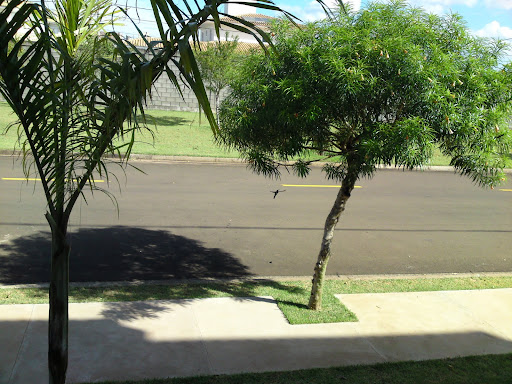

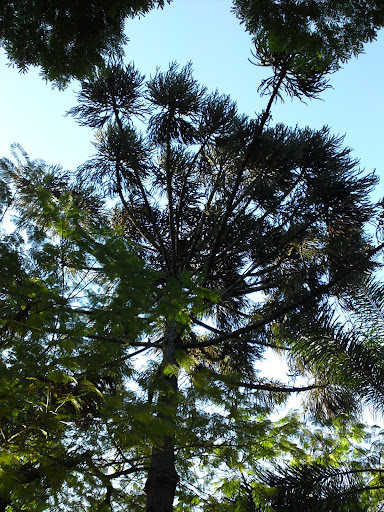
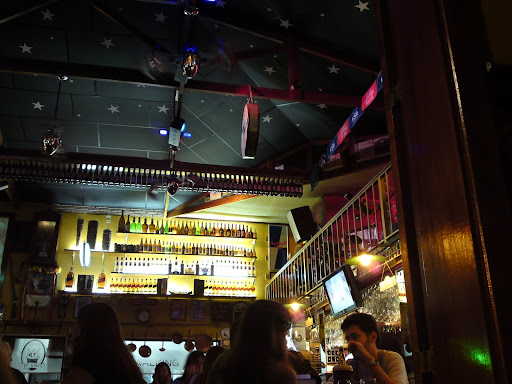
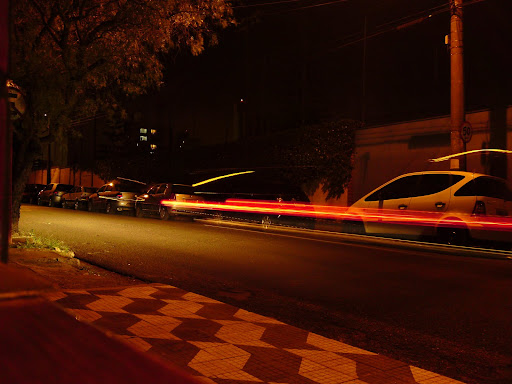
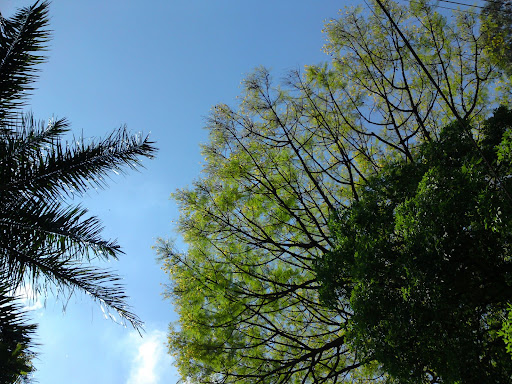
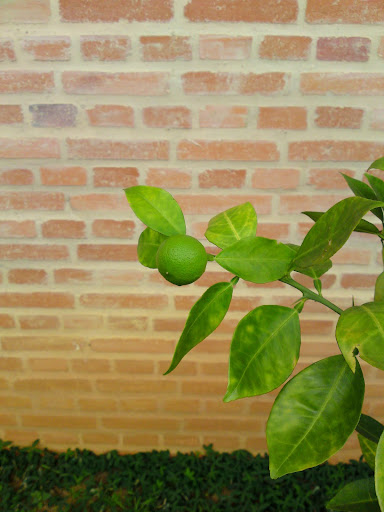
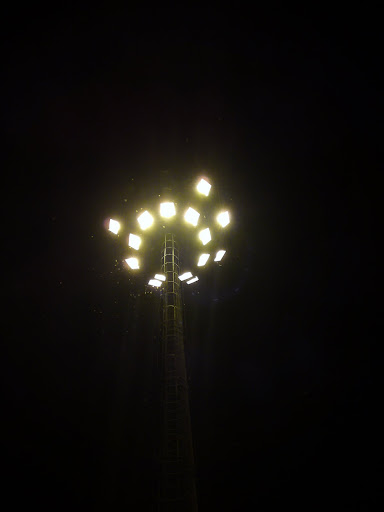
Please note that some of them benefit from DM's work on rising up the JPEG quality. One of them has 6.0 Mb!!
All those pictures and a lot more are on my Picasa page. There you'll find pictures from the unchanged DM 3.5 as well:
http://picasaweb.google.com.br/Xpresshutter
My tips for taking good pics with the C905 are:
@ night: whenever it's possible, set the camera to the Twilight Landscape mode and try to take pictures with the phone completely static. That leads to the absolute need of using the self timer function! For the slowest possible shutter, also make sure of setting the EV for the max value, + 2.0.
@ daylight: do not fancy with manual ISO here. I noticed that most of shots made in daylight conditions (even indoors in which the sunlight gets into the room) are made automatically with ISO 64. We may never reach that value for manual control because the minimum value for its register withing DM's camera driver, the number 00, refers to ISO 100. There is no way of going below that for that particular register. Remember toplay a lot with EV settings, in order to get the proper exposure to the picture. I generally use normal metering for shots with well defined and separated bright and dark areas. For shots of objects like trees, I tend to use spot metering, as it would provide the way of locking the exposure at any tiny dark or bright area whithin the picture. That is not well done by normal metering, as it calculates everything based on average values.
For those who want more sharpness than the original driver provides: Softwares for post processing pictures like the freeware Picasa 3 can do that for you. But the contrary (post processing an overly sharped pic) may not be good. So my guess is that it's better to mantain the original setting, which is quite good for most of the shots.
[ This Message was edited by: Vit on 2009-11-06 22:40 ]
--
Posted: 2009-11-06 22:37:16
Edit :
Quote
vit
what do you mean?...have you made your own driver?
interesting work!
--
Posted: 2009-11-06 23:03:55
Edit :
Quote
On 2009-11-06 23:03:55, edwardob wrote:
vit
what do you mean?...have you made your own driver?
interesting work!
Hello, pal! Yeah, kind of... I won't call it my driver, as it's just a mosaic of the original and DM's own driver. I won't say its better than DM's own, but I'd rather say it fulfills better my needs. Anyway, I am waiting for the final DM 3.8 in order to test his manual shutter!

--
Posted: 2009-11-06 23:10:56
Edit :
Quote
can we try it...even just for fun?
--
Posted: 2009-11-06 23:18:28
Edit :
Quote
Vit
Great pictures! Share mixed driver to us

Don't U think that night pictures are little bit red coloured?
--
Posted: 2009-11-07 00:05:35
Edit :
Quote
On 2009-11-06 22:20:17, wahehe15 wrote:
try setting your language to english not automatic
I've never set it to automatic (as on sim).
It is set to English (even though there's no en.lng file there). This is why i'm asking !!!
--
Posted: 2009-11-07 02:17:13
Edit :
Quote
Can someone give good how-to tips on:
- Spot Metering
- Normal Metering
Like when should we use which and under what condition? I remember previously there was a few posts on this, maybe can someone help to share some tips?
--
Posted: 2009-11-07 05:54:17
Edit :
Quote
On 2009-11-07 00:05:35, mikely_28 wrote:
Vit
Great pictures! Share mixed driver to us
Don't U think that night pictures are little bit red coloured?
Hi, mikely! Thanks for your appreciation!
The driver I've used for those pics (and the one that I am currently using in my camera) is this one:
http://www.megaupload.com/?d=2ZIYROL3 (includes both english and Brazilian portuguese language files)
It has both the original camdriver's (from the latest firmware, what means that it has smile shutter) and DM 3.5 camdriver's settings. More details on the note file included.
Yes, some of them pics have that slightly red/orange tone because of the street lighting here in Brazil. We've got some gas lamps that are hard to accurately portray with predefined WB settings. Strange enough is that if I set the WB to either incandescent or fluorescent, the picture comes out totally wrong coloured. The most accurate options in my opinion would be either cloudy or AUTO mode for this kind of lighting. I use cloudy in order to get more 'artistic' shots, and auto for the regular ones. But take a look at that street shot from a vehicle that passed along and left only its lamps onto the pictures. We can see that its headlamps on the left have well depicted colors.
Anyway, take a look at the pictures bellow and tell me what you think of them. They were took with a second mixed driver that I've just set up.
It's an also interesting mix of drivers, and one that I have just finished testing. It's a mix of both the Cybershot Xperience 4.1 and DM 3.5 drivers. It has all the quality, 8mp buffer size, JPEG tables and Twilight Landscape settings from DM 3.5 inside the former. It is indeed kind of complicated to use (but more flexible, on the other hand), but I've realized that the combination of Cybershot Xp 4.1's manual controls and the Twilight Landscape settings from Dm 3.5 can be really hot stuff! Besides you got all the manual controls from CS Xp 4.1, plus the sheer JPEG quality from DM 3.5. You can find info on how to use CS Xp 4.1 in some page @ this thread.
http://www.megaupload.com/?d=VQ599RS2 (includes only english language file - I'm still working on getting the Brazilian portuguese language file up for the job!)
Here we've got some night shots I just took with this last driver (Colors can be more finely tuned with this driver - you've got some nice controls for adjusting cyan-red and yellow-blue tones):
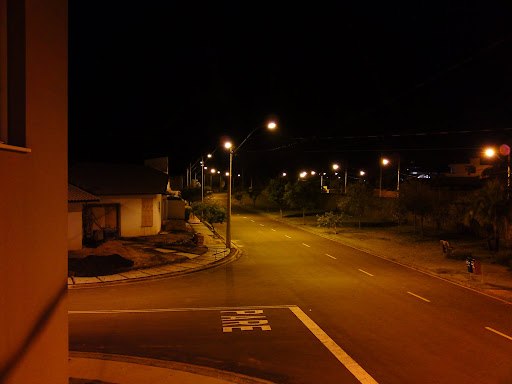

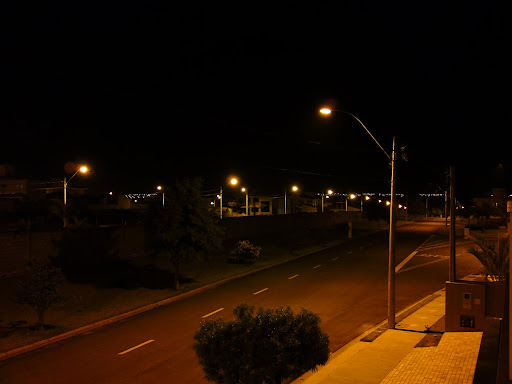
Enjoy them but remember that we only have to praise the original modders, not me!
[ This Message was edited by: Vit on 2009-11-08 15:28 ]
--
Posted: 2009-11-07 06:34:48
Edit :
Quote
@Vit
What a great addition to the existing driver. I'll play with it. btw, the language file kinda messed up my phone. After upload yours, the english option did not show anymore. Can't find in the setting menu either. Is it the same language file as the DM 3.5 manual?
--
Posted: 2009-11-07 14:15:54
Edit :
Quote
New Topic
Reply
