Sony Ericsson / Sony : Software, Firmware and Drivers : Mini SuperMode for K550/W610
>
New Topic
>
Reply<
Esato Forum Index
>
Sony Ericsson / Sony >
Software, Firmware and Drivers
> Mini SuperMode for K550/W610
Bookmark topic
On 2008-03-18 17:12:06, sadeghi85 wrote:
I know what you are saying but this will take TIME!
i can wait...but i hope it will happen ASAP..
anyway, u can take guidance and see from other ppl's driver such as Antik and MHQ.
that can speed up the process.
thx
_________________
K550@W610
My own acoustic mix
Sonarik's MHQ ,Antik & Sadeghi Cam Driver
www.rfkw.blogspot.com[ This Message was edited by: fisherman10 on 2008-03-18 17:09 ]
--
Posted: 2008-03-18 17:28:20
Edit :
Quote
possible em mode for k550/w610 replace seq_ss_take = with
seq_ss_take = $p1 10 $c1 03
#READ_REG(23,$r2 1 1)
$m0 1 $/0 28
$c0 00
#COM_EVENT(03,01) #COM_EVENT(51,04) $u01
$cx
#CAPTURE_EVENT; // e4 00
&
seq_ss_stop = #COM_EVENT(03,0f);
it should give a shutter speed of up to 2seconds for twlight portrait scene.
--
Posted: 2008-03-18 19:34:42
Edit :
Quote
sade
We can work on that property zoom to make sure you can not use two chavez for perhaps a supermode for these models
Because it would be important to know whether we can use the property for other functions such as zoom are willing to use.
Maybe if SPU and Raider

could help us with a sequence that came in zoom mode and enables up the other functions would be good.
Then the property would zoom dead? Not even trying to work or dividing the registers?
Replacing the registers zoom of the sensor chip MCB750 other records zoom of another model sensor likes as Omnivision could not open this property zoom.
Because the programming zoom property of another model may be more capable of working.
Replace registers zoom MCB750 by Omnivision
// --- Zoom property 6 ---------------------------
//
SIZE_640_480_ZOOM=
// 640 x 480: zoom from 1.0 to 2.5 Default is 1.0, so put that one last
SIZE_1280_960_ZOOM=
// 1280 x 960: zoom from 1.0 to 1.2
SIZE_1600_1200_ZOOM=
// 1600 x 1200: only 1.0 zoom
SIZE_176_132_ZOOM=
// 176 x 132: zoom from 1.0 to 2.5
SIZE_220_168_ZOOM=
// 220 x 168: zoom from 1.0 to 2.5
SIZE_320_240_ZOOM=
// 320 x 240: zoom from 1.0 to 2.5
SIZE_240_180_ZOOM=
// 240 x 180: zoom from 1.0 to 2.5
SIZE_128_96_ZOOM=
// 128 x 96: zoom from 1.0 to 4.0
SIZE_96_128_ZOOM=
// 96 x 128: zoom from 1.0 to 4.0
SIZE_176_144_ZOOM=
// 176 x 144: zoom from 1.0 to 4.0
SIZE_144_176_ZOOM=
// 144 x 176: zoom from 1.0 to 4.0
[SM_CHANGE_FUNCTION_VALUE ]:
$c1 01 #SIZE_640_480_ZOOM REPLACE BY
EV +2.0(JOYSTICK)=>#SHUTTERSPEED
$cl $c1 04
$cl $c1 05
$cl $c1 06
$cl $c1 07
$cl $c1 08
$cl $c1 09
$cl $c1 0a
$cl $c1 0b
$cl $c1 0c
$cl $c1 0d
$cl $c1 0e
$cl $c1 0f
$cl $c1 02 #SIZE_1280_960_ZOOM REPLACE BY
EV+1.7(JOYSTICK)#SATURATION
$cl $c1 04
$cl $c1 05
$cl $c1 06
$cl $c1 07
$cl $c1 08
$cl $c1 09
$cl $c1 0a
$cl $c1 0b
$cl $c1 0c
$cl $c1 0d
$cl $c1 0e
$cl $c1 0f
$cl $c1 03 #SIZE_1600_1200_ZOOM REPLACE BY #XXXXXXX
$cl $c1 04 #SIZE_640_480_ZOOM
$cl $c1 11 #SIZE_176_132_ZOOM
$cl $c1 12 #SIZE_220_168_ZOOM
$cl $c1 13 #SIZE_320_240_ZOOM
$cl $c1 15 #SIZE_240_180_ZOOM
$cl $c1 19 #SIZE_96_128_ZOOM
$cl $c1 20 #SIZE_144_176_ZOOM
$cl $c1 21 #SIZE_128_96_ZOOM
$cl $c1 22 #SIZE_128_96_ZOOM
$cl $c1 23 #SIZE_176_144_ZOOM
$cl $c1 24 #SIZE_176_144_ZOOM
$cx $cx $cx $cx $cx $cx $cx $cx $cx $cx $cx $cx $cx $cx
--
Posted: 2008-03-19 03:41:55
Edit :
Quote
tis cam driver close my cam itself... and how come it jus seems like zoomin before i take any pic?
--
Posted: 2008-03-19 06:54:07
Edit :
Quote
Hello, I have tried a lot of drivers and I think this one is the best one. I have a suggestion wich another user gave, it would be better if you change effect for settings, so with the number 7 you could choose focus,brighthness, etc. Besides you could add another features like RGB, etc.
I don´t know if that is possible, but it would be good that when you change for example from sharphness to focus, i think the value (-2...+2) would have to be the last value for focus and not for sharpness (if you had not taken the value before would have to be "0")
I have a question, when I use manual settings, I must use "infinite", so macro active and the other one is never used (Am I wrong?), in that case you could use this for the preview zoom, in this way with the button number 4 you can set the zoom preview.
I´m sorry, my english is very bad, Thanks in advance
[ This Message was edited by: rgpk550 on 2008-03-20 12:37 ]
--
Posted: 2008-03-20 13:32:47
Edit :
Quote
On 2008-03-20 13:32:47, rgpk550 wrote:
Hello, I have tried a lot of drivers and I think this one is the best one. I have a suggestion wich another user gave, it would be better if you change effect for settings, so with the number 7 you could choose focus,brighthness, etc. Besides you could add another features like RGB, etc.
this post you mean?
On 2008-03-18 16:48:52, sadeghi85 wrote:
@brazuka:
What about this: Sports and Beach/Snow scenes are useless when we have manual settings, we can transfer "scenes" to "effects" and "settings" to "scenes", this way we can have 6 settings instead of 4. is this satisfying?
[ This Message was edited by: sadeghi85 on 2008-03-18 15:50 ]
i'll think about it but i'm very busy these days, it needs some time.
I don´t know if that is possible, but it would be good that when you change for example from sharphness to focus, i think the value (-2...+2) would have to be the last value for focus and not for sharpness (if you had not taken the value before would have to be "0")
yes it would be good but it's impossible i think. btw when you open your camera all settings are set to default, except for focus.
I have a question, when I use manual settings, I must use "infinite", so macro active and the other one is never used (Am I wrong?), in that case you could use this for the preview zoom, in this way with the button number 4 you can set the zoom preview.
no, infinite is just for manual focus, you can use macro with other settings. preview zoom is useful for all settings.
--
Posted: 2008-03-20 14:58:23
Edit :
Quote
First Video and Photos are different things we can not add the same values for the two functions.
Frames per second (FPS) are different for the two modes Video and Photo.
Frames per second working in two regions:
Video FPS
Frames per Second:
The more frames per second the sensor supports more fluid will be the video "less locking" we will not have a feeling of locking of videos.
ONLY VIDEO
VR_NORMAL_MODE_FR=14; =>14 to 3C ( 3C value max support by camera phone sony ericsson with sensor CMOS resolution VGA)
VR_NIGHT_MODE_FR=0F;=>0F to 14~1E
Photos time speed acelarate time snapshot:
Time for opening of the diaphragm-shutter Supported by each type of sensor.
So in my opinion the synchronization of the shutter to the time of exposure would be the best way because I think that the two features are connected, and thus can not separate the two functions.
The timing of this exhibition co-related to the time of the shutter and vice versa.
Shutter speed co related by Time Exposure
for sensor MCB750
(06,03) Exposure default auto mode
if perhaps we can start by default and establish a value of step and gradually reduced the value of step exposure.Testing the best exposure to adapt think two values of exposure would be good for a value automode with high EV+ and one low EV-
es=exposure step
.
.
.
(06,03)===es
(06,03)===es
(06,03)===es
(06,03)===es
initial (06,03)
The values have to order from the auto mode because it is so pre configured using manual settings from auto mode and the way scenes, each scene would establish its yourself features, recalling that the manual settings are set to auto mode may serve to scenes also the control in this case is general.
[ This Message was edited by: brazuka on 2008-03-20 15:46 ]
--
Posted: 2008-03-20 16:16:30
Edit :
Quote
Prototype manual settings minimode w610/k550
Photo/Video
Interface Graphics Patche by java choose in display settings
// ------------------------ CUSTOMIZE FUNCTIONS
// SET_WB EV[-1.7_-2.0]
// SET_EXPOSURE EV[-1.0_-1.3]
// SET_CONTRAST EV[-0.3_-0.7]
// SET_NORMAL_DEFAULT EV[0.0]
// SET_SHUTTER-ISO EV[+0.3_0.7]
// SET_SATURATION EV[+1.0_+1.3]
// SET_SHARPNESS EV[+1.7_+2.0]
//EV_M_-2.0= #SET_WB;
//EV_M_-1.7= #SET_WB;
//EV_M_-1.3= #SET_EXPOSURE;
//EV_M_-1.0= #SET_EXPOSURE;
//EV_M_-0.7= #SET_CONTRAST;
//EV_M_-0.3= #SET_CONTRAST;
//EV_0_0.0= #SET_NORMAL_DEFAULT;
//EV_P_+0.3= #SET_SHUTTER-ISO;(shutter low speeds)-ISO 100
//EV_P_+0.7= #SET_SHUTTER-ISO;(shutter high speeds)-ISO 200
//EV_P_+1.0= #SET_SATURATION;
//EV_P_+1.3= #SET_SATURATION;
//EV_P_+1.7= #SET_SHARPNESS;
//EV_P_+2.0= #SET_SHARPNESS;
// ---------------------------------------- END
Manual settings different values of the values pre configured for Scenes.
Interface Graphics:
Replace Effects by Effects Luminosity with WB_CC ( Color Correction and RGB )
[ This Message was edited by: brazuka on 2008-03-20 16:12 ]
--
Posted: 2008-03-20 17:05:45
Edit :
Quote
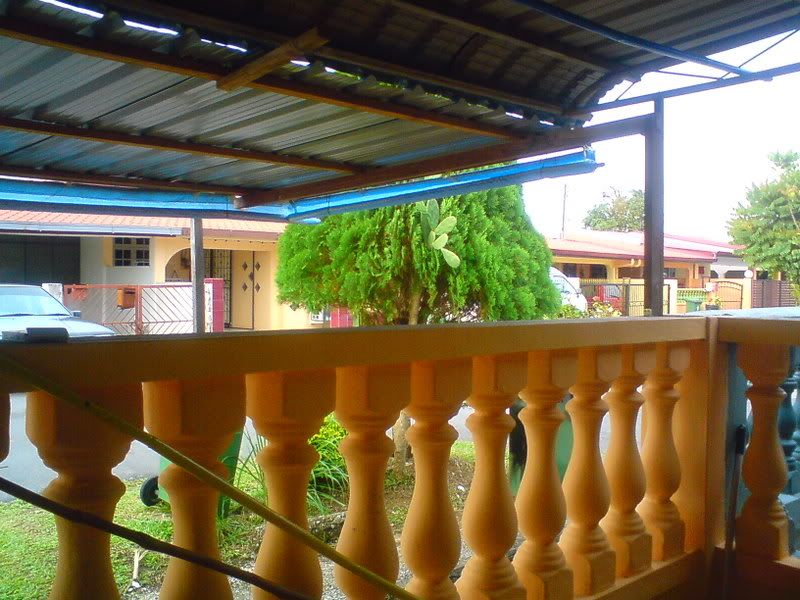
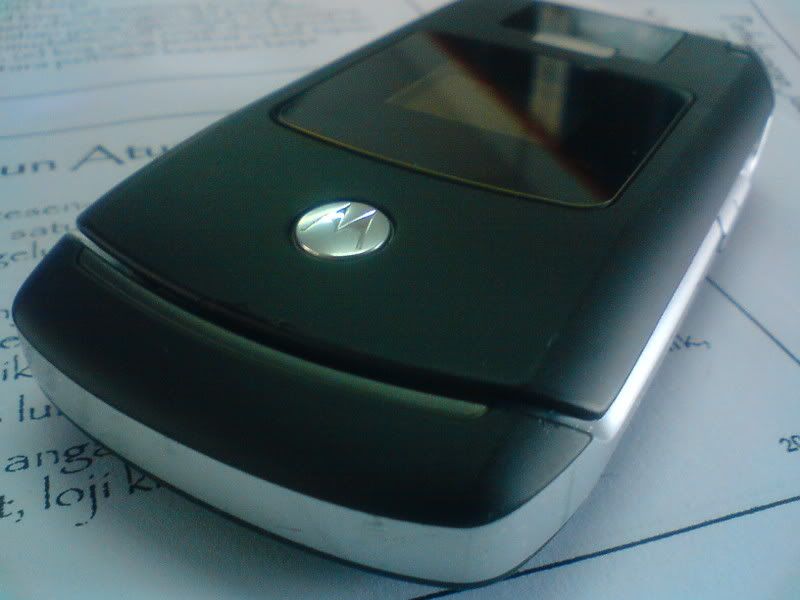
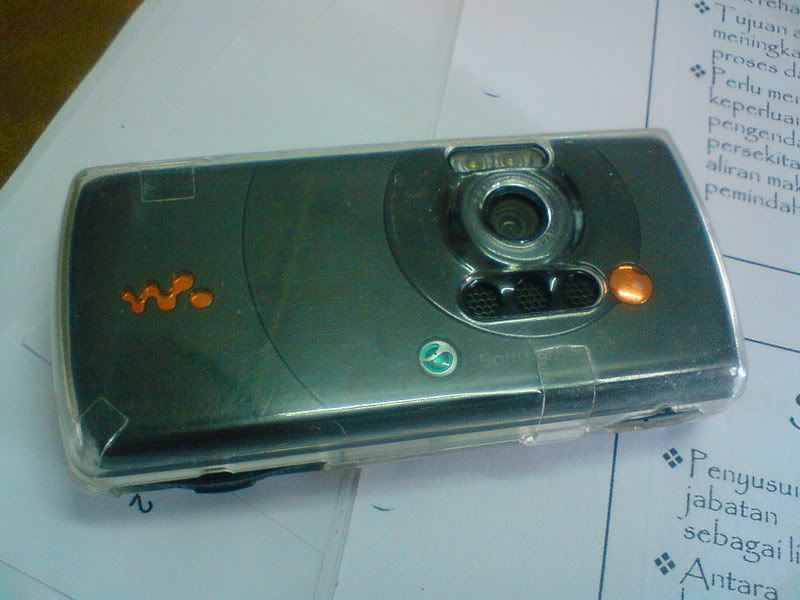
here's sum pic by tis cam driver
--
Posted: 2008-03-27 10:57:18
Edit :
Quote
First and second post updated.
--
Posted: 2008-03-28 10:31:19
Edit :
Quote
New Topic
Reply
