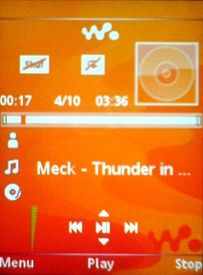
easier said than done. When you enlarge an image, it get's pixelated. Also, I have no idea how to get the nice soft edges on my transparent images.
So what I did was just make your image orange then cut and paste only the head part of the contact on the video call icon, and pasted it over the top of the call icon, then renamed it to icon9. I just cheated really.
This has a circular border instead of the correct square border. I changed the unselected icon to circular as well to match. So it's not 100% OEM, but it's better imho than having a radio icon for video call.
Meanwhile someone who can use photoshop properly may fix it for you. Photoshop is not my forte.
I managed to find an app that can extract icons from main firmware files (doesn't work on K800 or W850 main files though)
So anyway I extracted the images from w810 and w900 main firmware files, here's the main menu icons of W900 both normal and orange tinted versions as well:

 When you enlarge an image, it get's pixelated. Also, I have no idea how to get the nice soft edges on my transparent images.